
Ideogram 4.6 supports focused edits and output up to 4K, but that is not a guarantee that every word remains exact after an edit. The official model page explicitly recommends checking spelling and placement. We have not run a controlled text-preservation test, so the right answer is to inspect the actual output at full resolution.
A November 22 test published on DEV Community offers three distinct examples. The author reported exact text in two new images and measured a separate new image at 4,096 × 4,096. The two successive edits used a 1,760 × 2,336 portrait. The first changed the background and the second changed the coat. The author runs the studio used in the test and kept no 4K edit sample, so the post leaves exact text preservation during a 4K edit unverified.
Key takeaways
Pick Ideogram 4.6 in the Image app when available, instead of leaving the model on Auto.
Make one change at a time and inspect the result before using it as the next source.
A mask can define a local edit through Precise Edit, but does not guarantee unchanged text elsewhere.
Compare the exported image with the approved copy and original composition before delivery.
What the model page establishes
| Question | Official position | What it does not establish |
|---|---|---|
| Resolution | Output up to 4K; very low quality is limited to 2K | Every image uses the same dimensions |
| Editing | Precise Edit supports an optional mask | Every unmasked pixel is identical |
| Text | Wording and layout can be revised | Perfect spelling across all edits |
| Multi-step edits | Results can be refined over multiple turns | A later edit cannot change earlier details |
Make a 4K fixture with approved copy
Download the 4096 × 2160 source image and its mask. These are synthetic test inputs. No Ideogram output is included.
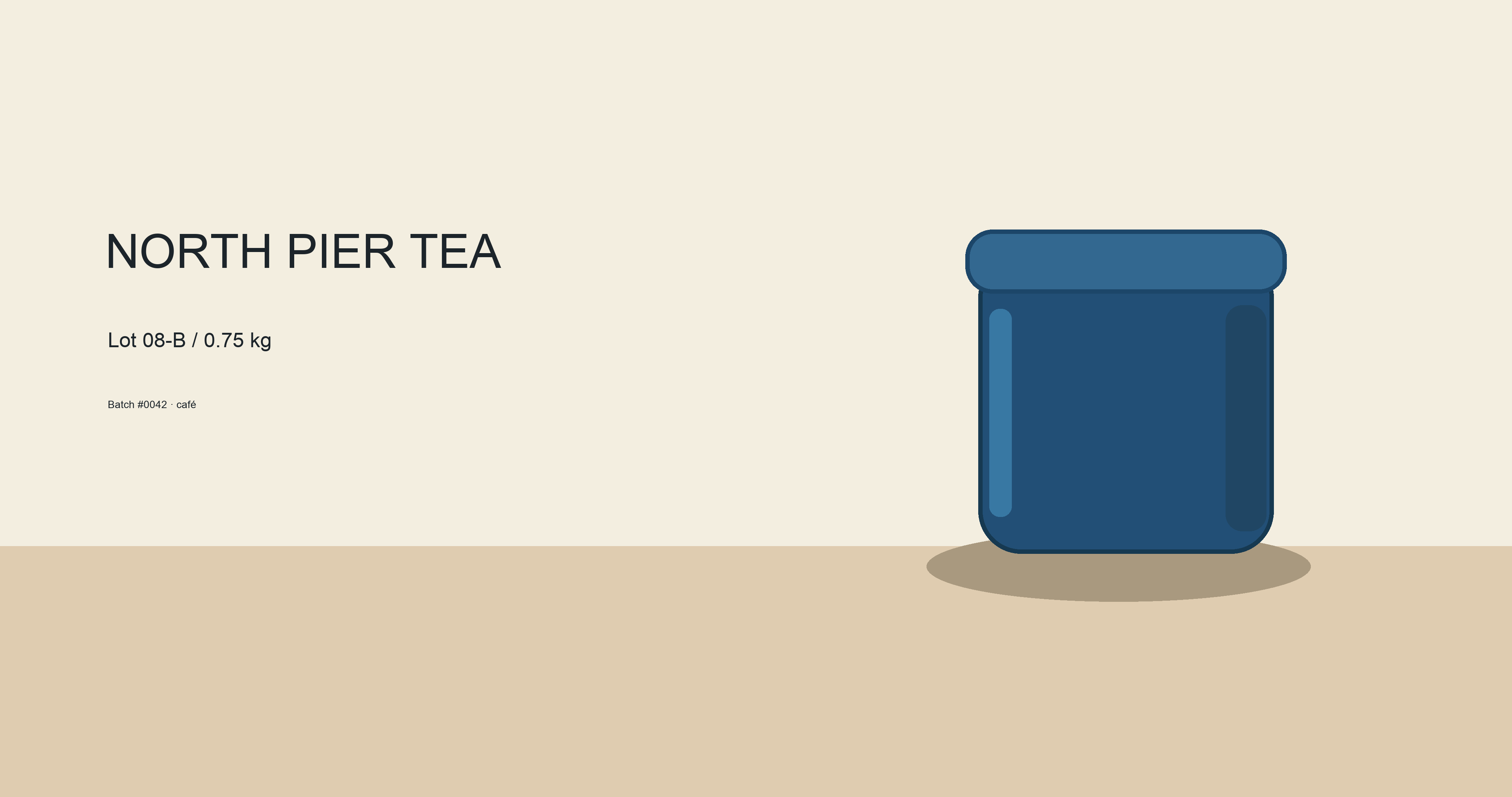
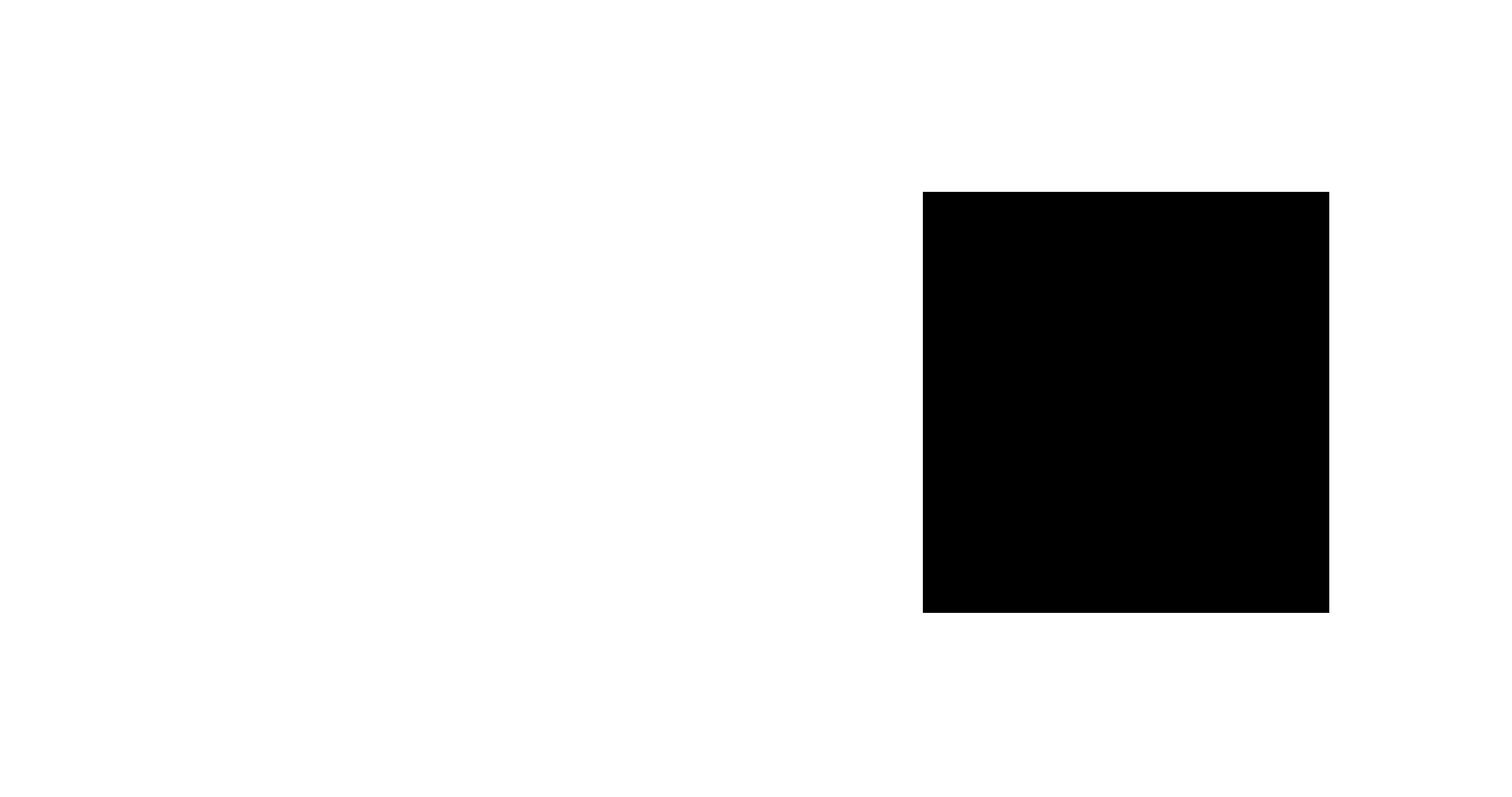
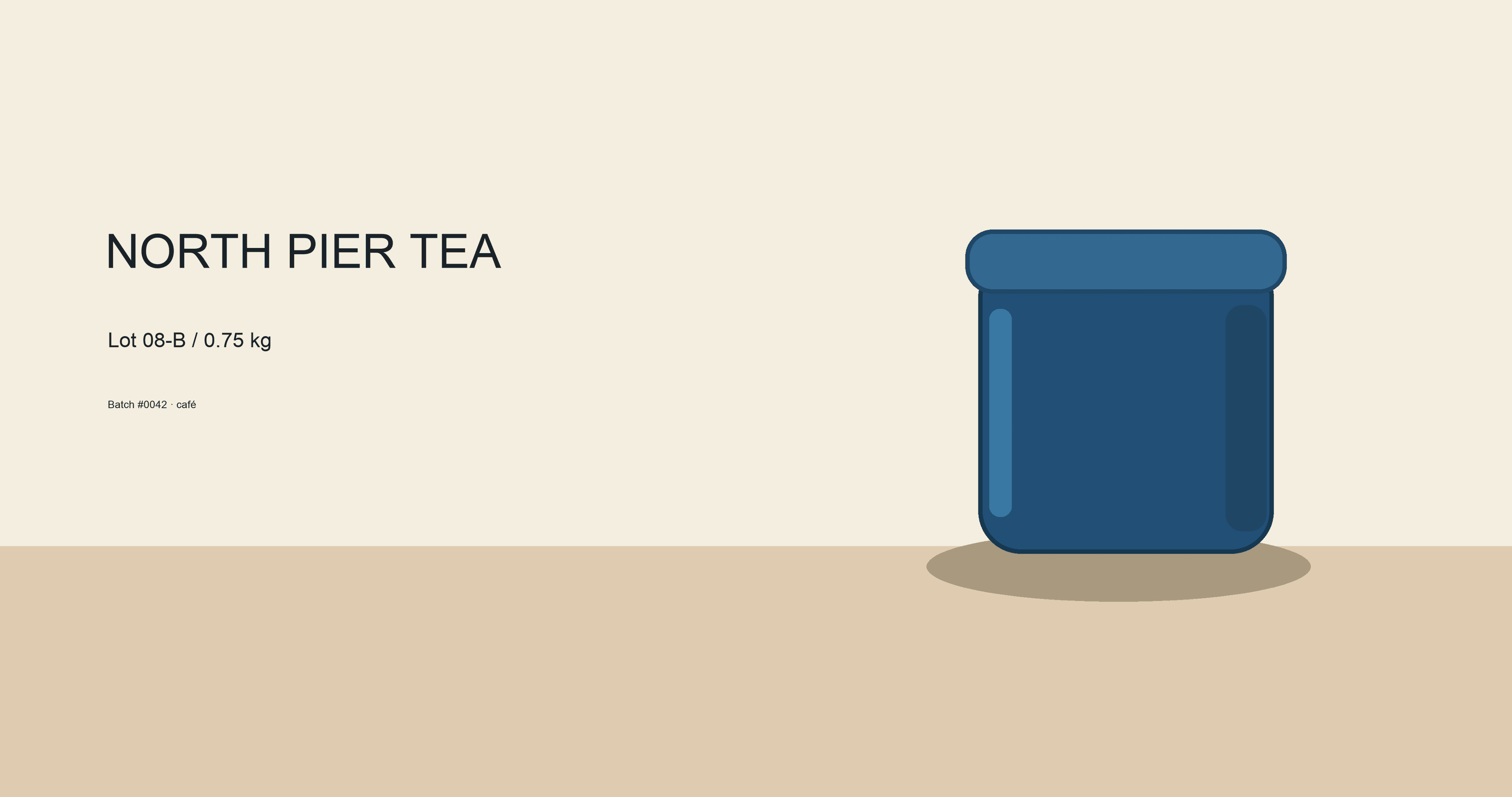
Start with a lossless 4096 × 2160 PNG. This size has a 4096-pixel long edge and stays within the 4096 × 4096 full-image bound described on the public Precise Edit interface. If your publishing requirement is UHD rather than a 4096-wide output, test with 3840 × 2160 instead and record that target. Keep the input dimensions and export dimensions in the run record. A label like “4K” alone is too vague to reproduce.
Build the fixture in a conventional editor so its original text is known. Use a simple background and an isolated blue tea tin on the right. Place three text lines to its left, in descending sizes. A reproducible starting point is 128 px, 56 px and 28 px. Use the same font family for all three and log its name. Keep the text boxes at the same coordinates between runs. Give the artwork ample border room so a small crop or a shift is visible. Use a synthetic layout and no actual brand or personal contact details.
NORTH PIER TEA
Lot 08-B / 0.75 kg
Batch #0042 · café
This copy has upper-case letters, two zeros in different positions, a decimal point, a hyphen, a slash, a number sign, a middle dot and an accent. Each is easy to overlook at fit-to-window scale. Include a short separate font proof if your real project uses required glyphs or a script the simple example does not cover. Save the approved copy in a plain-text file and keep the original flattened image plus the editor's layered version. Use the layered version to recover approved type later if the generated output is unsuitable.
Run the same edit with and without a mask
Make only one requested change. For the first run, ask the model to change the tin from blue to forest green while preserving its shape and lighting and leaving all text in place. Select the model explicitly when the Image app offers it. For the repeatable API comparison, use the documented Ideogram 4.6 Precise Edit endpoint with the same input, and choose a quality above Very Low. Its public interface says Very Low renders up to 2K. Record the actual returned width and height, the quality and a seed where supported. Precise Edit input specification
Create a second 4096 × 2160 PNG for the mask. Start with solid white and fill a black rectangle tightly around the tin with enough clearance to include its edges. For example, position your tin within a region bounded by x=2500 through x=3600 and y=520 through y=1660. Keep every text box outside that rectangle. The documented mask convention is black for the editable area and white for the preserved area. Some other image services use a different convention, so verify the control in the interface you actually run. Save the mask beside the source so a second person can check its polarity and alignment. Ideogram's published mask convention
Run the same prompt twice from the original image, once without the mask and once with it. Keep model, quality, crop, seed and number of outputs matched where your interface allows. Run a separate follow-up on the first successful masked output, changing only the surrounding table colour. Use the same approved copy for all runs. An edit on the prior result tests cumulative drift. Restarting from the original only tests repeatability of the first change. Record if a provider changes a quality setting or transforms the input. A price or seed can change between interfaces even when they expose the same model family.
Inspect the export at the original pixel scale
Open the downloaded file outside the generator. Read its dimensions from image properties or an image editor. Stop if the output has been resized outside the delivery specification. At a 100% zoom compare the first line to the approved copy, then inspect each smaller line. Check punctuation and accents on purpose. A visually similar O in place of zero still fails an exact-copy requirement. Record a text pass only when a human confirms every required character. For demanding print or packaging work, ask a second reviewer to read the smallest line without looking at the prompt first.
Check layout and preservation separately. Crop corresponding text regions using the same coordinates and toggle between original and edited crops at 100%. A difference view can reveal changed glyph shape or movement even when the text can still be read correctly. Pixel comparison requires compatible files and rendering settings. A PNG contains lossless stored pixels, while export conversion, ICC profile handling or a lossy JPEG can change the comparison. Accept or reject those changes using the actual delivery requirement. Keep both the original and processed files in the evidence folder. If you use OCR to flag potential errors, review its misses and guesses against the visible image before deciding.
Read public examples according to what they exercised
Ideogram's release page gives the supported capabilities, examples and its own evaluation claims. The platform's editor specification covers how masks, quality and context regions affect processing. Its examples do not provide independent repeatability scores for your fixture. A DEV Community write-up dated November 22 describes exact text on two fresh generations, dimensions of 4096 × 4096 on another fresh image, and two successive changes on a 1760 × 2336 portrait. Its author says no 4K edit sample was retained and links to their own studio. Read the reported outcomes as three distinct observations. The post does not demonstrate that a 4K edit preserved existing typography.
An older community workflow combined an earlier Ideogram with Flux and a planned upscale. Another contributor in the thread raised the specific risk of losing legible text during upscaling. Neither tested the current model, but the two remarks point to the file a reviewer should inspect: the final exported image after any resizing.
When to use another workflow
| Need | Practical choice | Check before delivery |
|---|---|---|
| Explore visual variations | Make one targeted edit at a time | Confirm the composition still works outside the target |
| Legally exact copy, prices or contact details | Keep approved text on an editable layout layer | Compare each character with the approved copy after export |
| Repeatable API workflow | Log model, quality, dimensions, seed, prompt and mask | Inspect each result and record failures |
| Print or scalable design | Preserve the editable source and export in the delivery format | Confirm actual dimensions and format with production |
Ideogram reports benchmark and task results on its model page; these describe its chosen evaluation and configuration, not a guarantee for an individual image. API and app charges differ, and the app displays a credit quote for the chosen settings. Check current pricing before a large batch.
Record the decision at export
| Measure | Evidence | Pass condition |
|---|---|---|
| Approved copy | Original text and matching final crop | Every required character, space and mark matches |
| Edit request | Tin crop and before/after pair | The intended color changed, shape and lighting remain within tolerance |
| Unedited areas | Aligned difference image and reviewer notes | Detail and position match the requirements of the job |
| Export | Properties of the downloaded file | Pixel dimensions and format meet the delivery specification |
For a team review, retain the output, original, mask, settings and reviewer notes with the same run identifier. The QA evidence handoff gives a way to attach files and version details. If a separate image-model workflow is needed, compare ChatGPT Images and MiniMax H3 Image with the same source and thresholds. For artwork that must remain scalable, keep type editable and check the actual delivery format in a vector workflow.
Open Ideogram's model page, the Precise Edit input documentation and the DEV Community example in Tabbit. Add those pages to the sidebar context. Ask for a table with one row each for text generation, native 4K generation and a full-resolution edit preserving existing type. Include each quoted output size, the kind of test and a source link. Check the examples in their original pages and leave the last row unverified if it only links to the lower-resolution portrait. The browser source-checking guide explains how to keep these evidence links traceable. For a released asset already on an approved web page, a page visual check can confirm how it displays; a separate screenshot review can flag apparent text changes for review. Use an image editor and, if helpful, OCR for the local full-resolution proof.
Use 4.6 for a targeted edit after establishing an untouched source. Verify the downloaded output at actual pixel size before delivery. For exact copy, retain the editable type and restore it if the generated rendering fails the approved transcription.

FAQ
Does Ideogram 4.6 guarantee exact text?
No universal guarantee is established by the model page. Check spelling, numbers, punctuation and placement in the final output.
Can Ideogram 4.6 output 4K images?
The model page says output can reach 4K, with very low quality limited to 2K. Check the actual exported dimensions.
Can a mask restrict an edit?
The Precise Edit API supports an optional mask. Inspect the whole output because a mask is not a guarantee of pixel-identical preservation.
How should I edit a design with approved copy?
Keep the source image and approved text separately, make one edit at a time, and proofread the output at full resolution.
Are app credits and API prices the same?
The vendor lists API pricing separately and says the app displays the credit quote for the chosen run. Check current prices before generating.