
What GPT-6.1 Terra is, and whether it is worth switching
GPT-6.1 Terra is worth evaluating for visual tasks, concise writing from supplied material, and bounded computer automation. It is harder to recommend as a blanket replacement for GPT-6.1 Sol. Its token rates are lower, but the effort setting and the amount of human correction determine whether a finished task actually costs less.
This is a review of public evidence, checked on October 27, 2026. It combines OpenAI's documentation, independent evaluations, and launch-day user reports. It does not claim an original Terra benchmark or a verified Terra-selected run in Tabbit Browser. A reproducible browser workflow appears at the end, with that limitation kept explicit.
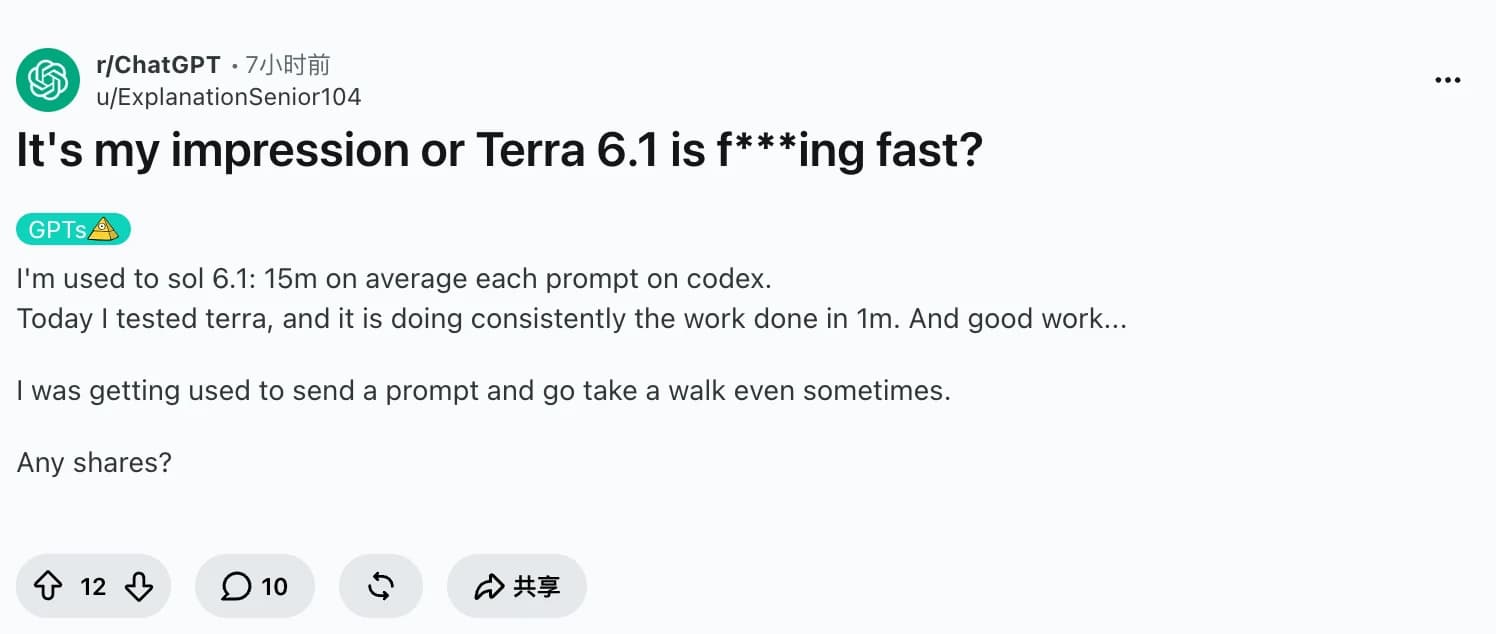
One early Codex user, u/ExplanationSenior104, reported much faster completion than with Sol. Other users described interrupted document tasks and unexpectedly rapid quota consumption. That disagreement is the reason to evaluate completed work rather than compare launch slogans.
OpenAI released Terra on October 26, targeting visual reasoning, computer use, and natural writing. The API ID is gpt-6.1-terra. It follows GPT-5.6 Terra; do not confuse it with GPT-6 Sol, GPT-6.1 Sol, or the smaller GPT-6 Luna.
Key takeaways
Standard short-context API rates are $1 input and $5 output per million tokens, half Sol's corresponding rates. Cached input costs $0.05 per million tokens.
Artificial Analysis puts Terra's best Intelligence Index score at 48, versus 52 for GPT-6.1 Sol. Lower price does not imply equal overall capability.
The same evaluator reports up to a 7.4-fold task-cost spread across Terra settings. Choosing effort is part of choosing the model.
A domain test and several user reports raise questions about consistency and long-running instruction following. They justify checks, not a universal failure claim.
Use a small, fixed task set before switching a workflow. Keep subscription allowances, API billing, and Tabbit membership separate.
The number that matters: Half-price tokens, a 7.4-fold effort range
The interesting comparison is not simply Terra at $1/$5 versus Sol at $2/$10. Artificial Analysis's live release page reports a 7.4-fold difference between Terra's cheapest and most expensive average Index-task configurations. Both observations can be true. A cheaper model can spend enough extra tokens, make enough retries, or need enough correction to erase its price advantage.
In its October 26 evaluation, Artificial Analysis places Terra's low and medium settings on the Intelligence Index cost-efficiency frontier. Its Coding Agent Index tells a different story: low and xhigh are on that frontier. A setting that is attractive across a mixed benchmark need not be the right coding setting.
Our selection rule is therefore simple:
Cost per accepted task = total run and retry cost / tasks that pass the checks
Operational cost = model cost + human review and correction cost
These are evaluation formulas, not measured Terra results. Record human review separately if you cannot price it. For a source-based rewrite, more reasoning may add nothing useful. For a difficult repair, insufficient reasoning may turn one job into several attempts. Use the lowest setting that passes your task's checks, then compare it with Sol at a sensible setting too.
Practical evidence before the benchmark table
DualEntry ran Terra on its own 101-task accounting evaluation, with three runs. It reports 78.2% accuracy, 16.1 seconds per task, and $0.042 per task. More revealingly, only 65.3% of tasks passed in all three runs. The model can be fast and inexpensive while still producing a substantial verification workload.
That is a domain evaluation run by an accounting software vendor, not a general model ranking. Its displayed report does not establish a matched-effort comparison for every model. Do not use its seconds or dollars to forecast a browser session. Its useful contribution is the separation of average accuracy from repeatability.
The broader comparisons below use one evaluator and identify their scope.
| Evaluation or cost measure | GPT-6.1 Terra | GPT-6.1 Sol | GPT-6 Luna | What it answers |
|---|---|---|---|---|
| AA Intelligence Index v4.3.2, best listed configuration, rounded | 48 | 52 | 38 | Broad capability across the Index's ten evaluations |
| AA Coding Agent Index v2.0, reported comparison | 48 | 54 | 31 | Coding-agent capability, a separate index |
| Standard API input / output per million tokens, short context | $1 / $5 | $2 / $10 | $0.10 / $0.50 | Token unit prices, excluding extras |
| Terra cost across its Index-task configurations | Up to 7.4× variation | Not a cross-model claim | Not a cross-model claim | How strongly Terra's effort choice affects measured spending |
Sources checked October 27: AA release page, AA launch evaluation, and OpenAI pricing.
The two indices use different tasks and cannot be averaged together. The rounded Intelligence scores are each model's best listed configuration, not equal-effort measurements. Token prices are not task prices. The AA findings are independent of OpenAI's launch charts, but still depend on AA's tasks, tools, scoring, and configuration. None measures your own completion rate.
OpenAI separately reports 50.3% on Terminal-Bench 4.0 at maximum effort, versus the published 21.5% result for GPT-5.6 Terra. That is a vendor-reported comparison with a predecessor, not proof that Terra matches Sol across software engineering. OpenAI itself recommends Sol or Astra for the most complex coding work. The distinction also matters when reading our earlier GPT-6 Sol review, which covers a different version.
Where Terra looks useful
Clear writing when the source material is already available
The best reason to try Terra may be a mundane one: turn supplied notes into a readable explanation. OpenAI's model-selection guide specifically recommends evaluating concise, source-based writing. That is a narrower, more useful claim than calling it the best writing model.
Give it the source, audience, required sections, and a prohibition on adding unsupported facts. Judge whether it preserves qualifications and includes the necessary detail. This fits product documentation and internal summaries where an editor can inspect the result. It does not establish reliability on a long book or a research report assembled from many tools.
Visual work with a defined destination
OpenAI positions Terra for interpreting drawings, matching product images, and acting on application screens. In its launch evaluations, the model improves on its predecessor in visual reasoning and desktop tasks. Those are meaningful reasons to trial it on form preparation or screenshot interpretation.
The practical condition is an inspectable result. A filled field should match a source value; a selected catalog item should match the image. The browser automation problem still includes page access, tool behavior, and validation. A model score covers only part of that workflow.
Better economics for tasks that stay bounded
AA's cost-efficiency result supports testing lower effort settings on repeated tasks with clear acceptance checks. Examples include extracting a fixed set of fields or rewriting a paragraph without introducing new facts. The model has room between Luna's low price and Sol's broader capability.
The improvement in factuality is encouraging too. AA reports that Terra guesses on 38% of questions it cannot answer in AA-Omniscience, down from 88% for GPT-5.6 Terra, while accuracy rises by two points. That conditional guessing rate is not a claim that 38% of ordinary answers are false, nor that the other 62% are all correct. It supports preserving explicit unknowns in extraction work.
Where the savings can disappear
Long tasks may need more supervision than the price implies
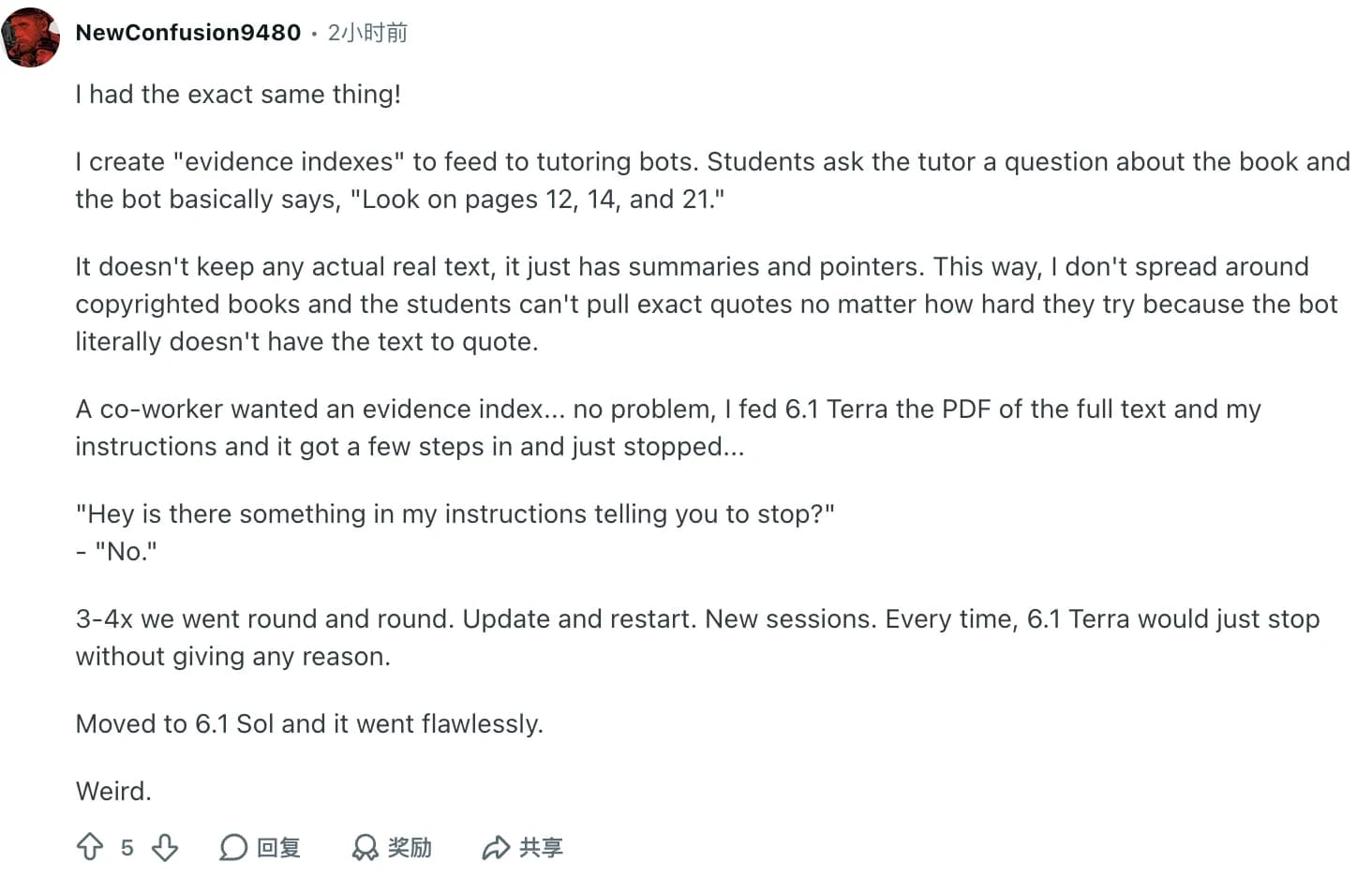
u/NewConfusion9480 described a concrete task: build a PDF evidence index for tutoring. Terra reportedly stopped repeatedly, while switching to Sol completed the work. The parent post by u/Hefestion89 describes procedural instruction failures during chapter-by-chapter literary analysis in ChatGPT Work.
These are launch-day reports with no controlled reproduction. They cannot isolate model behavior from orchestration or session state. They do identify a useful acceptance test: did the agent finish every required section without repeated prompting? Increasing effort is not a substitute for checking completion.
Speed can come with a quality trade-off
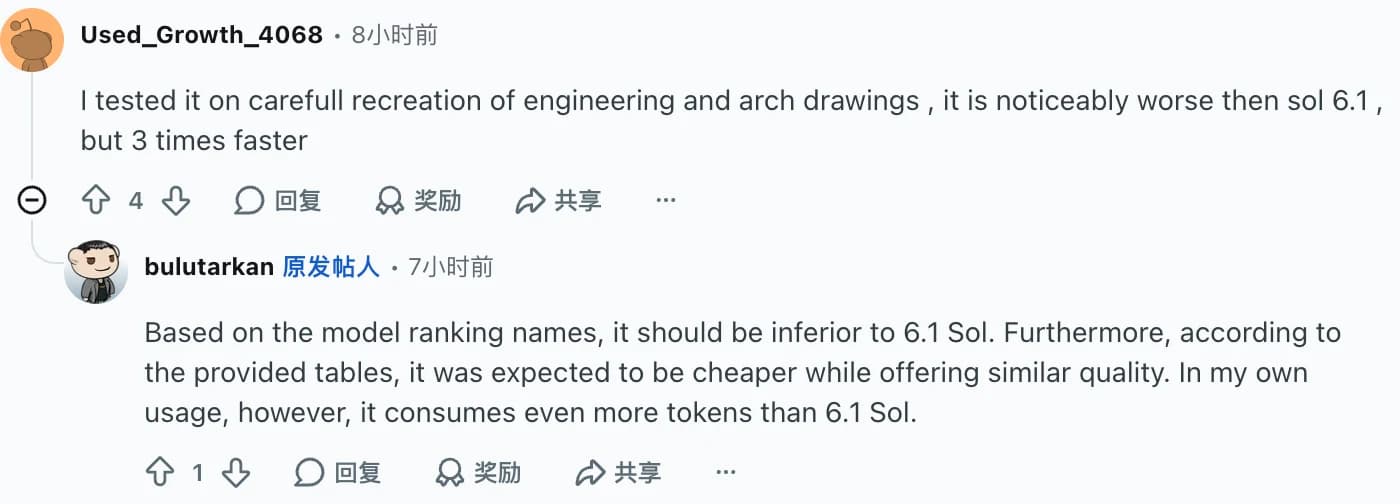
A drawing-recreation report from u/Used_Growth_4068 describes Terra as faster but visibly worse than Sol. There are no shared inputs or scoring criteria, so its claimed speed multiplier is anecdotal. It is still a useful counterweight to the assumption that faster visual work preserves every detail.
DualEntry's repeatability result gives the same concern a measurable form within one domain. If your workflow needs the same answer every time, test repeated runs rather than selecting the nicest example. For difficult, ambiguous work, compare with a stronger option such as the one covered in our GPT-6 Astra review.
API discounts do not predict subscription allowances
OpenAI's model documentation lists six effort settings, with medium as the default. Prompts above 272K input tokens trigger higher rates for the full request. Cache writes and tool charges can also matter. A 1,050,000-token context window describes capacity, not a promise that filling it is inexpensive.
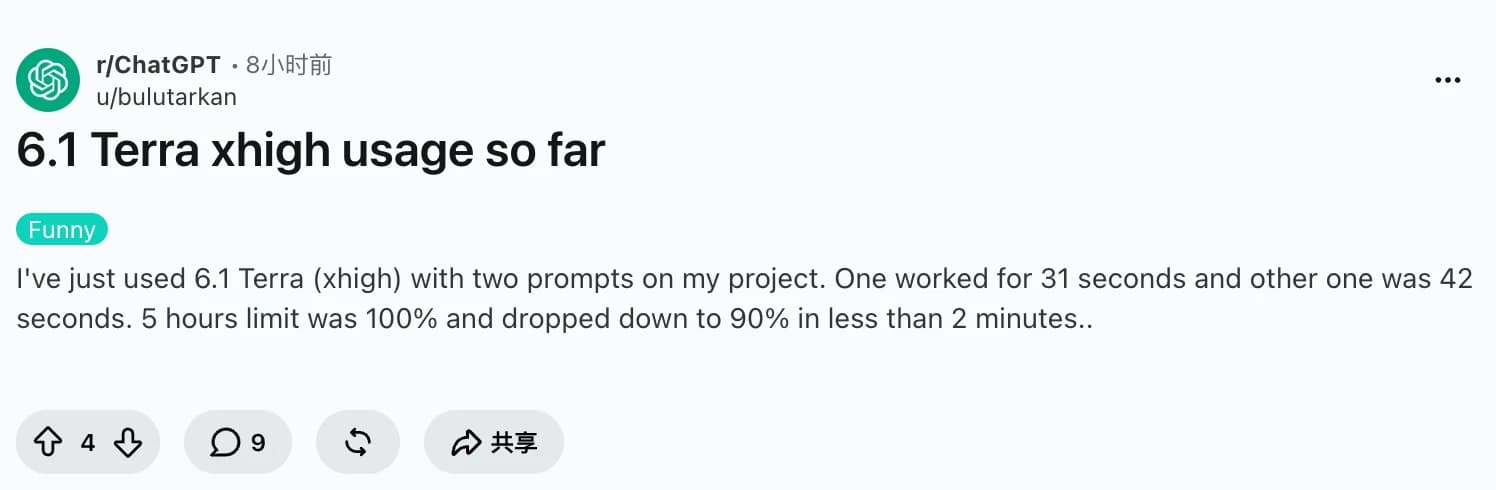
Meanwhile, u/bulutarkan reported a 10-point allowance drop after two xhigh prompts. That is not an API invoice or a controlled quota comparison. Account, reasoning, context, and product-side accounting can all differ. Treat the report as a reason to inspect your own usage, not as a conversion formula between tokens and subscription percentages.
What users said: Speed versus completion
The positive reports focus on short waits. The concerns focus on output fidelity, finished work, and allowances. Four captured examples illustrate those different priorities; they are not a representative survey.
"Today I tested terra, and it is doing consistently the work done in 1m. And good work..."
u/ExplanationSenior104, Codex work, October 26 UTC. The author compares personal sessions, without a matched task set.
"it is noticeably worse then sol 6.1 , but 3 times faster"
u/Used_Growth_4068, engineering and architectural drawing recreation, October 26 UTC. The quoted wording is preserved. The speed and quality judgments are the author's observations.
"Every time, 6.1 Terra would just stop without giving any reason."
u/NewConfusion9480, PDF evidence indexing, October 27 UTC. The report says Sol completed the workflow; the cause of Terra's stops is unverified.
"5 hours limit was 100% and dropped down to 90% in less than 2 minutes.."
u/bulutarkan, two project prompts at xhigh, October 26 UTC. This is a subscription observation, not measured API cost.
On Hacker News, wyre argues that computer work, automation, and technical writing are Terra's audience. That is a positioning opinion, not another test. It matches the useful editorial distinction here: evaluate Terra for the work you need, rather than expect one cheaper model to replace every larger one.
The verdict by workload
Terra deserves a trial for bounded visual and writing workflows. Keep Sol as the comparison for long, complicated work. Paying half per token is worthwhile only when the accepted output survives review.
| Your workload | Starting choice | What to verify before switching |
|---|---|---|
| Rewrite supplied notes into a short explanation | Trial Terra at none or low | Source fidelity, required sections, audience fit |
| Interpret a screenshot or prepare form fields | Trial Terra at low or medium | Every value against the source; inspect saved results |
| Repair a small, isolated code defect | Compare Terra and GPT-6.1 Sol | Regression checks, total retries, review time |
| Large repository changes or a long autonomous document task | Start with Sol; consider Astra for harder work | End-to-end completion and preservation of all constraints |
| High-volume classification with a simple schema | Compare Luna with Terra | Accepted-task cost and error handling on your own data |
| Repeated work where inconsistent results are expensive | Do not select by token price | Repeatability and the cost of corrections |
The settings in this table are trial starting points, not measured optima. Our AI browser guide and agentic browser overview address the product layer around the model. That layer matters when the task spans pages, files, and saved outputs.
Try the workflow in Tabbit, then inspect the result
A benchmark does not give a model access to your tabs or verify a saved record. Tabbit Browser provides browser context and task tools. Its official site documents referring to pages, screenshots, and local files. Those capabilities make it a practical place to evaluate the kind of work Terra targets.
First check whether GPT-6.1 Terra is actually present in your account's model picker. The Terra resource page collects configuration and evidence; its existence does not verify client availability. This article has not completed a Terra-selected Tabbit test, and cannot supply a success rate, latency, token bill, or comparison win for that environment.
For an initial check, open a public product specification and ask for four fields: product name, price with currency, stated limitation, and source URL. Require unknown when the page does not state a value. Repeat on a second page, then compare the results with the visible originals. A second task can compare the two pages without importing claims from elsewhere. For a long document, ask for page-specific answers and verify every citation.
Before running, define a pass as all requested fields or citations present, no unsupported additions, and a truthful completion report. Save the inputs, selected model name, outputs, screenshots, and any correction. Repeat the same tasks with Sol if available. Keep client measurements separate from API benchmarks, and do not infer a general success rate from a few examples.
If those checks fit your work, download Tabbit and compare a small task set. Model availability and membership rules depend on the current client and region; the API prices in this review are not Tabbit prices.
 Tabbit Browser
FAQ
Is GPT-6.1 Terra worth using instead of GPT-6.1 Sol?
Terra is worth evaluating for visual workflows, source-based writing, and bounded automation where speed and cost matter. Sol remains the stronger starting point for complex coding and extended reasoning. Compare completed, checked tasks at the effort level you will actually use.
How much does GPT-6.1 Terra cost through the API?
Standard short-context rates checked on October 27, 2026 are $1 per million input tokens, $0.05 per million cached input tokens, and $5 per million output tokens. Cache writes, tools, service tiers, and long-context adjustments can change the bill. API rates do not specify ChatGPT, Codex, or Tabbit subscription allowances.
Should I always use max reasoning effort with Terra?
No. Artificial Analysis reports up to a 7.4-fold difference in average task cost across Terra configurations. Start with a lower setting for bounded tasks and increase effort only when your own acceptance checks show a useful improvement.
Does the lower hallucination rate mean its answers are reliable?
It is an improvement on specific evaluations, not a guarantee. Artificial Analysis measures guessing on questions the model cannot answer, while OpenAI reports factual errors on a different internal prompt set. Neither percentage is the error rate of your documents or application.
Can GPT-6.1 Terra call tools through Chat Completions?
OpenAI lists Chat Completions as a supported endpoint, but tool calling requires the Responses API. The model accepts text and images and produces text. A product built around the model may add tools or file handling of its own.
Can I try GPT-6.1 Terra in Tabbit Browser?
Check your account's current model picker before planning a Terra workflow in Tabbit. This article has not verified a Terra-selected Tabbit run, and the model resource page does not prove account availability. Tabbit membership rules are separate from OpenAI API pricing.