Choose Rill if your work already runs through Claude Code or Codex CLI on an Apple silicon Mac.
THREE BROWSERS · ONE DECISION
Rill Browser vs Chrome — with Tabbit in the mix
Rill connects a Mac browser to your existing coding agent. Chrome keeps your established browsing setup and now adds Gemini. Tabbit puts models and an agent inside a browser for Mac and Windows.
The useful question is where your work starts, and which account and device you already use.
See the three starting points

A quick choice
Keep Chrome if extensions, synced browsing, and Google services are your daily foundation.
Try Tabbit if you want browser based AI research and agent tasks on Mac or Windows without setting up a coding CLI.
Compare the setup before you switch
These are product claims and published availability, not a speed or task success benchmark.
| Decision point | Rill browser | Google Chrome | Tabbit Browser |
|---|---|---|---|
| Where AI starts | Pass a page or selection to an existing Claude Code or Codex CLI and local project. | Gemini can answer about tabs; Auto Browse can do web tasks where eligible. | Use built-in models, page context, Agent, and Skills in the browser. |
| Desktop platforms | macOS 14+ on Apple silicon, per Rill’s current download page. | Mac, Windows, and Linux; Chrome also has mobile apps. | macOS 12+ on Apple silicon or Intel, and Windows 10+. |
| Account requirement | AI features need a supported, signed-in Claude Code or Codex CLI. | Gemini requires an eligible signed-in account and region. | Use a Tabbit account and its available AI plan; no coding CLI setup. |
| Web task access | Browser tasks use your existing CLI account and its allowance. | Auto Browse currently requires Google AI Pro or Ultra in the US. | Agent runs in Tabbit; allowance follows the Tabbit plan. |
| Extensions and passkeys | Chrome extension support is unconfirmed; Rill says passkeys are not yet supported. | Chrome Web Store extensions and passkeys are established browser features. | Check your required extensions and sign-in flows during migration. |
| Existing browser data | Rill describes importing from Chrome; verify the exact data you need. | Your current Chrome profile, bookmarks, and sync stay in place. | Tabbit offers import of Chrome bookmarks and history; verify the result. |
| Browser price | Free beta; AI usage draws on your existing CLI account. | Browser is free; some AI task features require a paid plan. | Browser is free; AI usage and optional paid plans depend on your plan. |
Checked 9 October 2026. Feature eligibility and plans can change by region, account, and release.
What each browser is best placed to do
Rill: turn a page into a coding project task
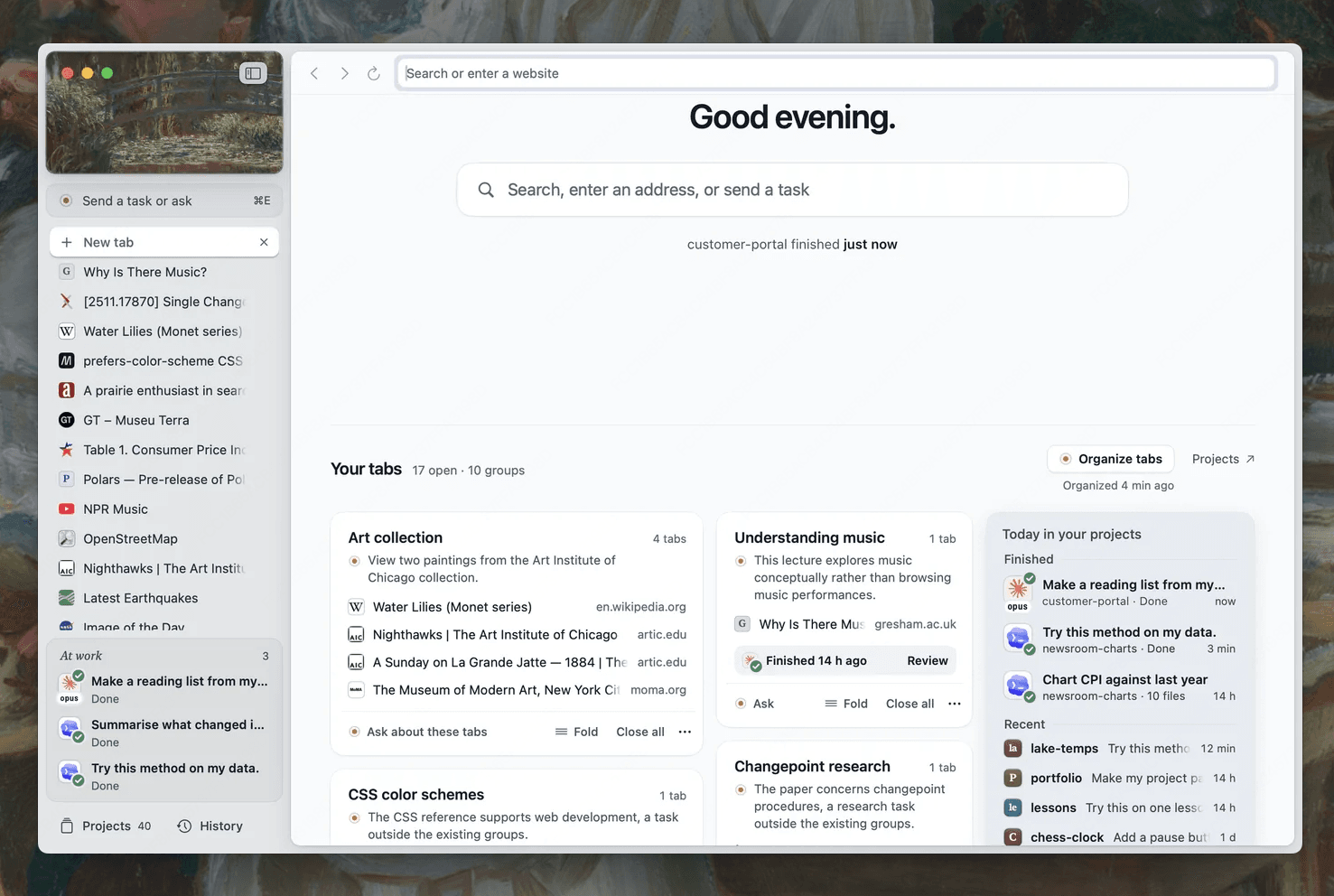
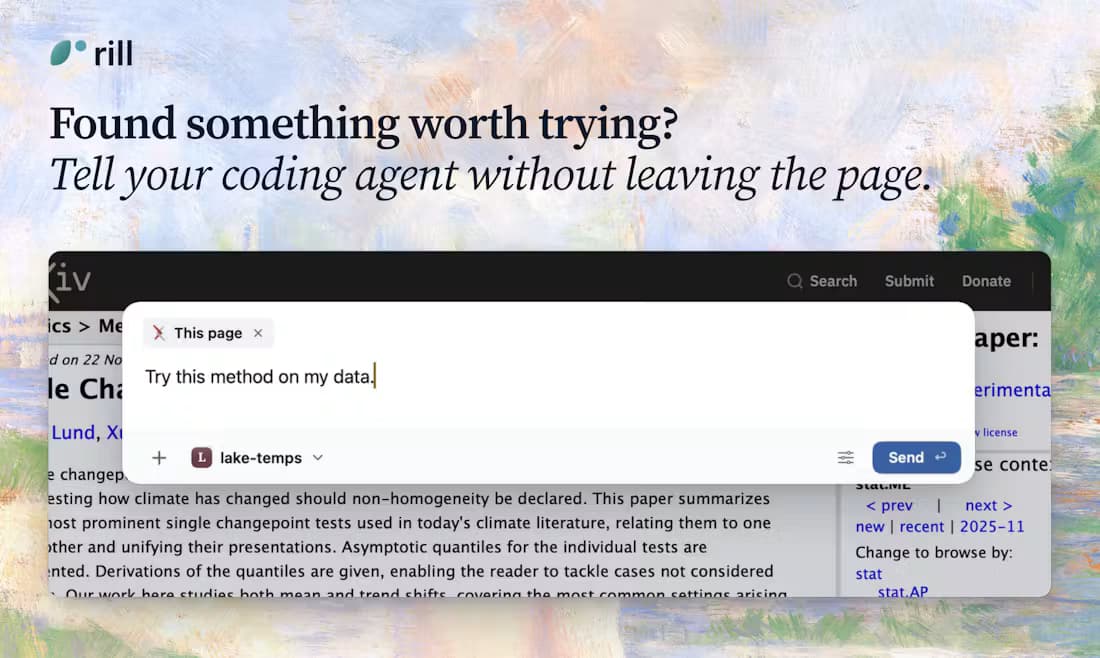
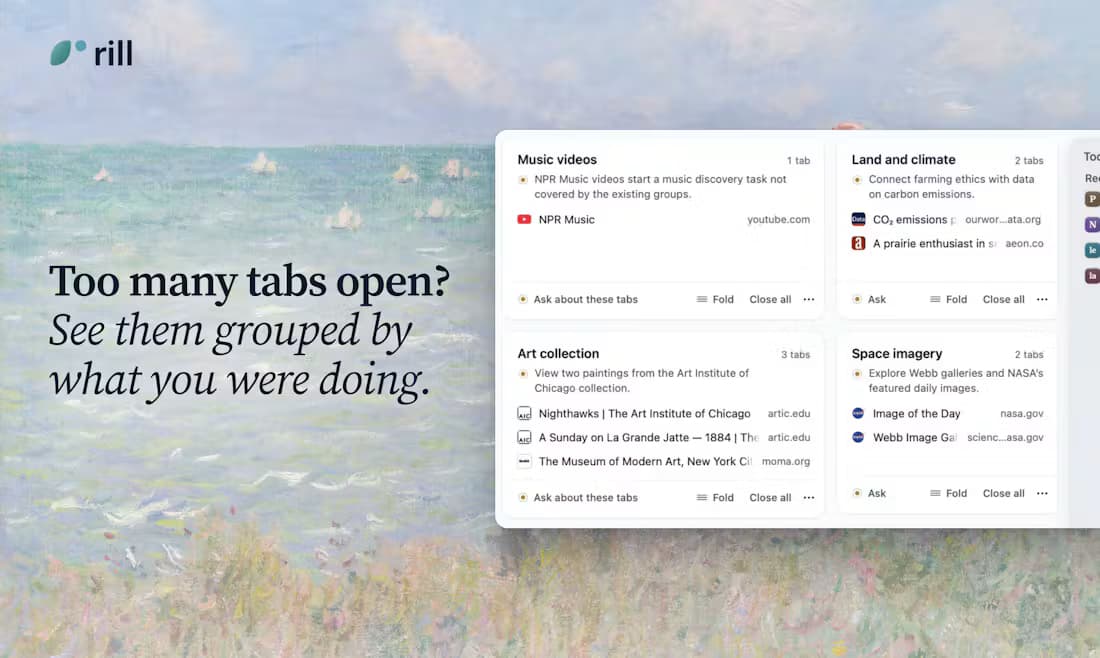
Its distinctive move is passing what you are reading to a local project through Claude Code or Codex. Rill also describes AI tab grouping and a browsable project history. It makes most sense when the CLI and projects are already part of your day.
Chrome: keep a mature everyday browser
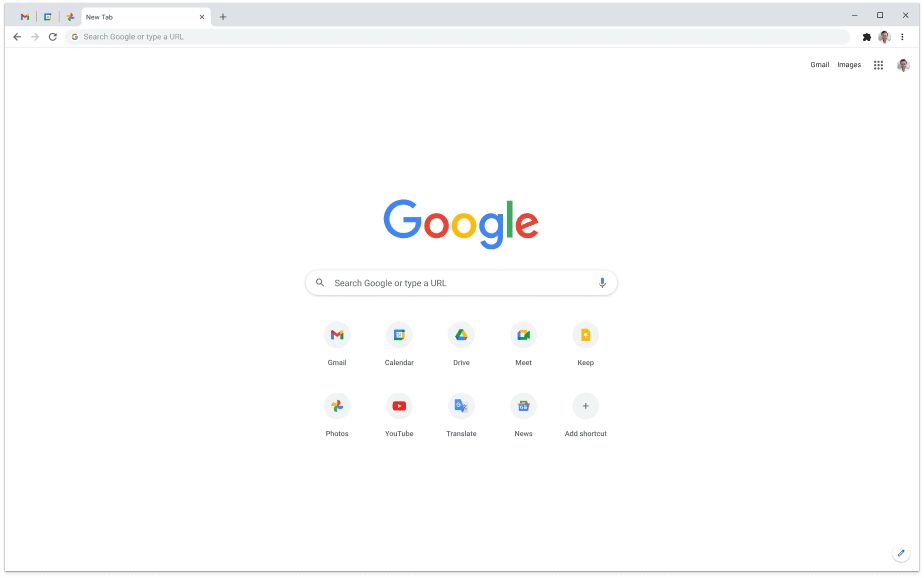
Chrome brings its extension library, account sync, Google tools, and mobile continuity. Gemini can discuss open tabs, and Google now lists Auto Browse for eligible US Pro and Ultra users. Check availability before relying on it.
Tabbit: work with AI beside the page
Tabbit combines page context, selectable models, reusable Skills, and an Agent for web tasks. The example shows an Agent working in Google Sheets with steps visible; it is a product screenshot, not a comparison test.

Before moving your default browser
Keep the switch reversible until these essentials work for you.
- 01
List the tools you cannot lose
Check each extension, password manager, passkey, and website sign-in in the new browser.
- 02
Test your actual AI route
For Rill, verify CLI sign-in and project routing. For Chrome, check Gemini and Auto Browse eligibility. For Tabbit, run one real page or Agent task.
- 03
Check the imported data
Compare bookmarks and history after import; keep Chrome available until daily sites work.
Questions that decide the switch
Does Rill replace Chrome on Windows?
No Windows download is listed for Rill at this check. Its current requirement is macOS 14+ on Apple silicon. Chrome and Tabbit offer Windows versions.
Does Chrome already have an AI agent?
Google lists Gemini in Chrome and Auto Browse. Auto Browse is currently limited to Google AI Pro and Ultra subscribers in the US; Gemini also has account and region eligibility.
Can Rill use my Chrome extensions and passkeys?
Rill has not announced Chrome extension support in the sources checked here. Its privacy page says passkeys are not yet supported. Test any essential sign-in before switching.
Which is better for coding projects?
Rill is specifically designed to send a page into an existing local Claude Code or Codex project. Tabbit also has an Agent, but we did not benchmark them on the same coding task.
Want AI work directly in the browser?
Try Tabbit on Mac or Windows, then judge it on one of your own browsing tasks.
Sources and scope
Public product information checked on 9 October 2026. Images are identified by product. No three browser performance benchmark was conducted.