Bring the whole stack into one session
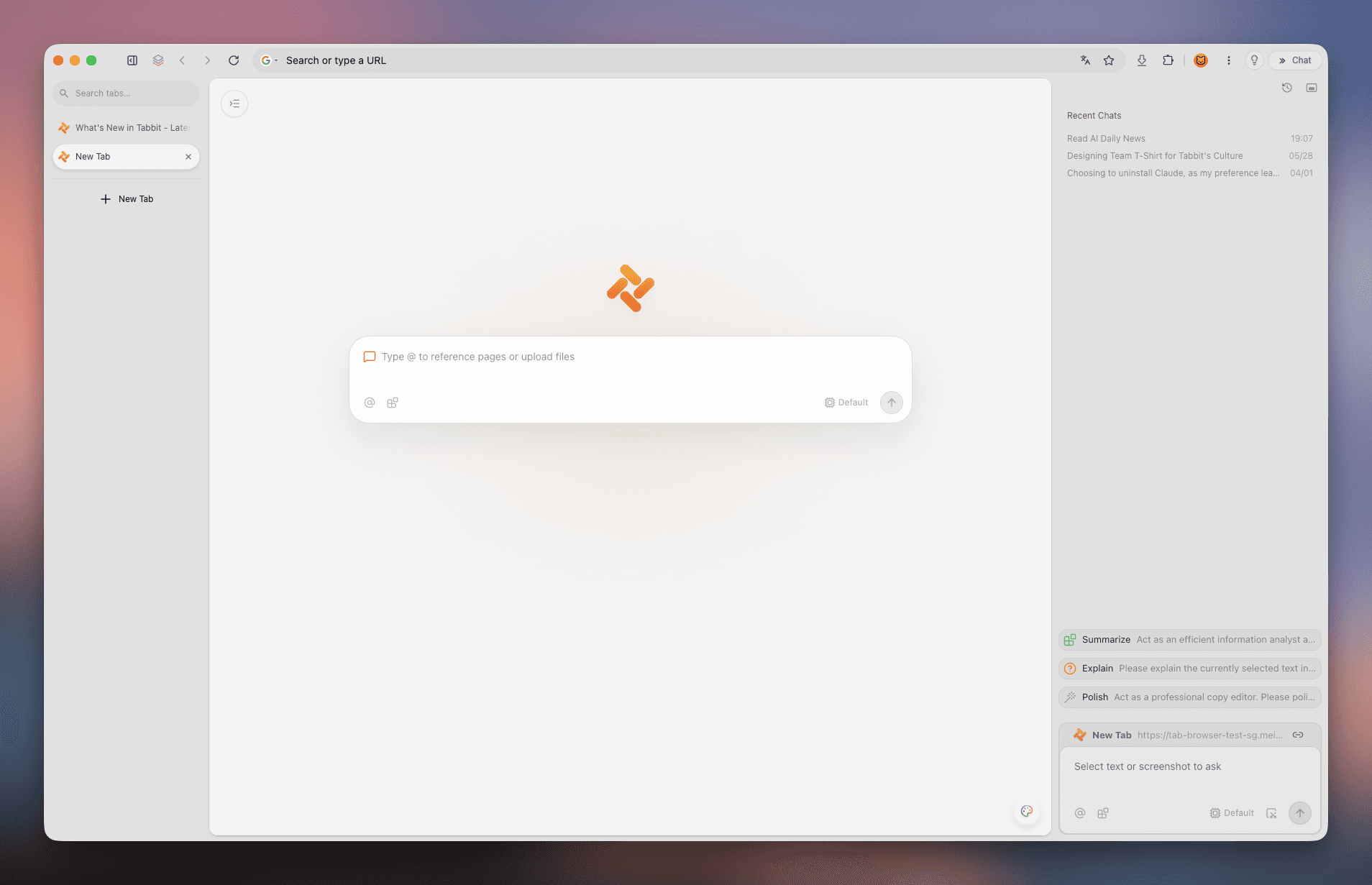
Open PDFs as first-class tabs next to the pages that cite them. Type @ to reference open tabs or upload files, so every question starts from your actual sources — not a blank box.
 tabbit.
BRAND CHECK · AI PAPER READING
You searched with the product name — smart move. Here is the honest fit check: Tabbit is an AI-native browser that keeps PDFs, citation links, and AI chat inside one research session, instead of becoming one more single-file reader.

WHY THIS QUERY EXISTS
Generic listicles optimize for screenshots. You are optimizing for a named product — likely after seeing Tabbit described as an AI-native browser with workspace-grade tabs.
This page is narrower than /best-ai-paper-reader on purpose: confirm the fit, show the trade-offs, and route you to the official download with honest limitations (model availability varies by region and policy).
If your whole workflow is one static PDF and zero web, a minimalist reader might be enough. If your workflow is a session — PDF, sites, repos, notes — Tabbit is the hypothesis worth testing.
THE READING LOOP
Papers never travel alone: arXiv PDFs, project pages, GitHub repos, docs. Three moves, one session — no export-import gymnastics.
Open PDFs as first-class tabs next to the pages that cite them. Type @ to reference open tabs or upload files, so every question starts from your actual sources — not a blank box.
Ask once and compare answers from GPT, Claude, Kimi, Qwen, GLM and more, side by side. When models disagree about a theorem or a figure, you know exactly what to verify in the PDF.

Deep Research follows DOI links, project pages, and repos while you keep reading. Related work stops being a context switch and becomes part of the same story.

DECISION MATRIX
Use this table to separate “PDF gadget” from “browser-grade research workspace”. If your bottleneck is session design — not font rendering — bias toward the right column.
| Standalone AI reader apps | Tabbit (AI-native browser) | |
|---|---|---|
| Primary surface | One vendor’s PDF shell or upload box. | Full browser with omnibox, tabs, and side AI surfaces. |
| Citation chasing | Manual hopping between apps breaks flow. | Follow DOI, project, and repo links without leaving the workspace. |
| Organization | Folders inside the app. | Vertical tabs and groups that match long-lived research threads. |
| Compliance & updates | You audit one niche tool. | You still own data policies — but you ride browser-grade security updates. |
HONEST FIT CHECK
A branded search deserves a straight answer, not adjectives. Five dimensions, no marketing gloss.
Papers rarely live alone: arXiv PDFs, project pages, GitHub, docs.
Tabbit is a browser: keep PDF tabs, site tabs, and repos in one vertical stack instead of hand-offs that erase context.
Different sections of a paper may deserve different models — or policies.
Use Tabbit’s multi-model catalog where your account and region allow. Verify live names in-product; distrust “one model solves everything” marketing.
Surveys and grants mean six to twelve sources, not one file.
Vertical tabs and saved sessions mirror how research actually unfolds — better than single-pane PDF toys.
Sometimes you need live pages, not just the PDF text.
Promote questions to Chat; escalate to Agent when you must act across tabs, with guardrails appropriate to your organization.
A branded search should end on a real TLS site — not a repack mirror.
Download Tabbit from tabbit.ai or tabbit.com for your region. Treat “unlimited token” bundles from unknown mirrors as unsafe.
FAQ
Tabbit is an AI-native browser. It shines when papers, sites, and repos interleave — which is the common case in real research.
That route targets the generic query. This route assumes you already typed Tabbit and need a branded fit check plus official routing.
Not necessarily. Use reference managers for citation graphs; use Tabbit for browsing and AI alongside PDFs and the live web.
No. Model availability depends on catalog rules, region, and providers — confirm inside the model picker after install.
Beta terms and pricing are defined on the official regional site; avoid third-party mirrors.
Yes. Use AI for triage and questions; treat every claim as a hypothesis until checked against the paper.
Official macOS and Windows builds are listed on the download pages — verify before standardizing a lab install.
Try /research-browser, /browser-for-researcher, and /best-browser-for-research for adjacent intents.
Tabbit
Open the official site, install the build for your region, and run the loop above on your next literature review.