Firefox アドオン、Linux、オープンソース、Zen Mods
Zen を継続
Zen は Firefox/Gecko ベースで Mozilla のアドオンを使え、macOS・Windows・Linux に対応します。
Zen 移行ガイド · 2026年更新
Firefox、Linux、細かな UI 制御なら Zen を継続。Chromium 拡張なら Vivaldi や Brave、macOS/Windows でページ文脈とブラウザ操作が必要なら Tabbit が候補です。
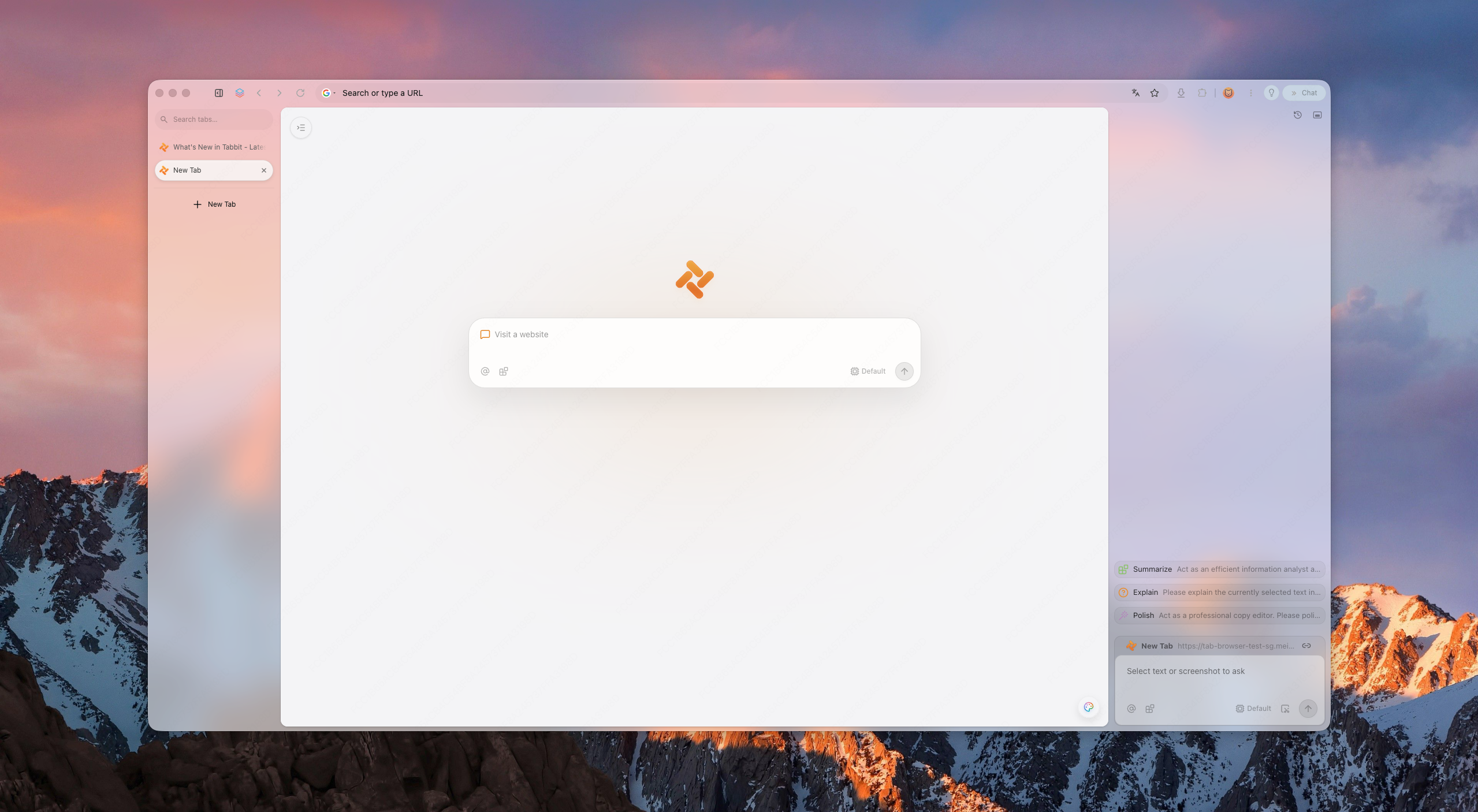
先に結論
Zen は現在も開発中の優れたブラウザです。Firefox 基盤、拡張機能、AI の考え方が用途に合わない場合にだけ代替を検討しましょう。
Firefox アドオン、Linux、オープンソース、Zen Mods
Zen は Firefox/Gecko ベースで Mozilla のアドオンを使え、macOS・Windows・Linux に対応します。
Chrome Web Store 拡張と細かな UI 設定
Vivaldi は Chromium ベースで、AI 自動化よりタブとレイアウトの設定を重視します。
Chromium 互換と標準のプライバシー保護
Zen 風ワークスペースよりブロック機能とプライバシーを重視する場合に向きます。
複数ページの AI 文脈と段階的な Web 操作
Tabbit はページ文脈、Agent Mode、再利用できる Skills を macOS と Windows で提供します。
Firefox と Chromium の拡張機能は別パッケージです。メインプロファイルを移す前に、必須拡張を一つずつ確認してください。
なぜ移行するのか
移行はエンジン、拡張、OS、AI が使うブラウザ文脈の深さで判断します。
Zen は Firefox ベースなので、一部の Chrome/Edge 拡張や SSO プロファイルが動作しない。ワークスペースの規律を損なわずに互換性が欲しい。
装飾が少なく、競合するサーフェスが少なく、レイアウトが邪魔をしない。
要約は 2026 年の最低ライン。次の段階はフォーム入力、調査、報告を行うエージェント。
Zen は macOS、Windows、Linux、Tabbit は macOS と Windows に対応します。Linux では Zen を継続するか別の対応ブラウザを選びます。
今の利用者の疑問
最近の議論では、完全なZenクローンより、長時間利用時の性能、Essentials風の固定タブ、同期、DRM、Helium・Vivaldi・Braveの違いが注目されています。
コミュニティ投稿は需要の手がかりであり、統制されたベンチマークではありません。同じサイト、拡張機能、動画を自分の端末で試してください。
市場の概観
中立的なショートリスト。Tabbit は AI ネイティブな選択肢として位置づけられる。
コンパクトな新興Chromiumブラウザ
4種類のレイアウト、縦型タブ、分割表示、Chromium拡張、タブ休止を備えたオープンソースのデスクトップブラウザです。現時点では同期、モバイル版、Widevine DRMに未対応です。
向いている人:軽量でZenに近いデスクトップ環境が必要な人
Visual workspace pioneer
The original spatial browser. Beautiful, but its future is unclear and platform coverage has been limited.
Best for: layout purists
Power-user toolbox
Chromium-based, highly customizable, with vertical tabs and split views. Heavier, but familiar to tinkerers.
Best for: customization nerds
Privacy-first default
Chromium-based with built-in ad blocking and privacy features. Less opinionated workspace design.
Best for: privacy users
Open-source legacy
Zen's own family tree. Great for privacy and open-web ideals, but weaker AI execution layer.
Best for: open-source believers
AI-native workspace
Keeps workspace discipline and adds page context, agentic execution, model choice by plan, and reusable Skills.
Best for: AI-first productivity
なぜ Tabbit か
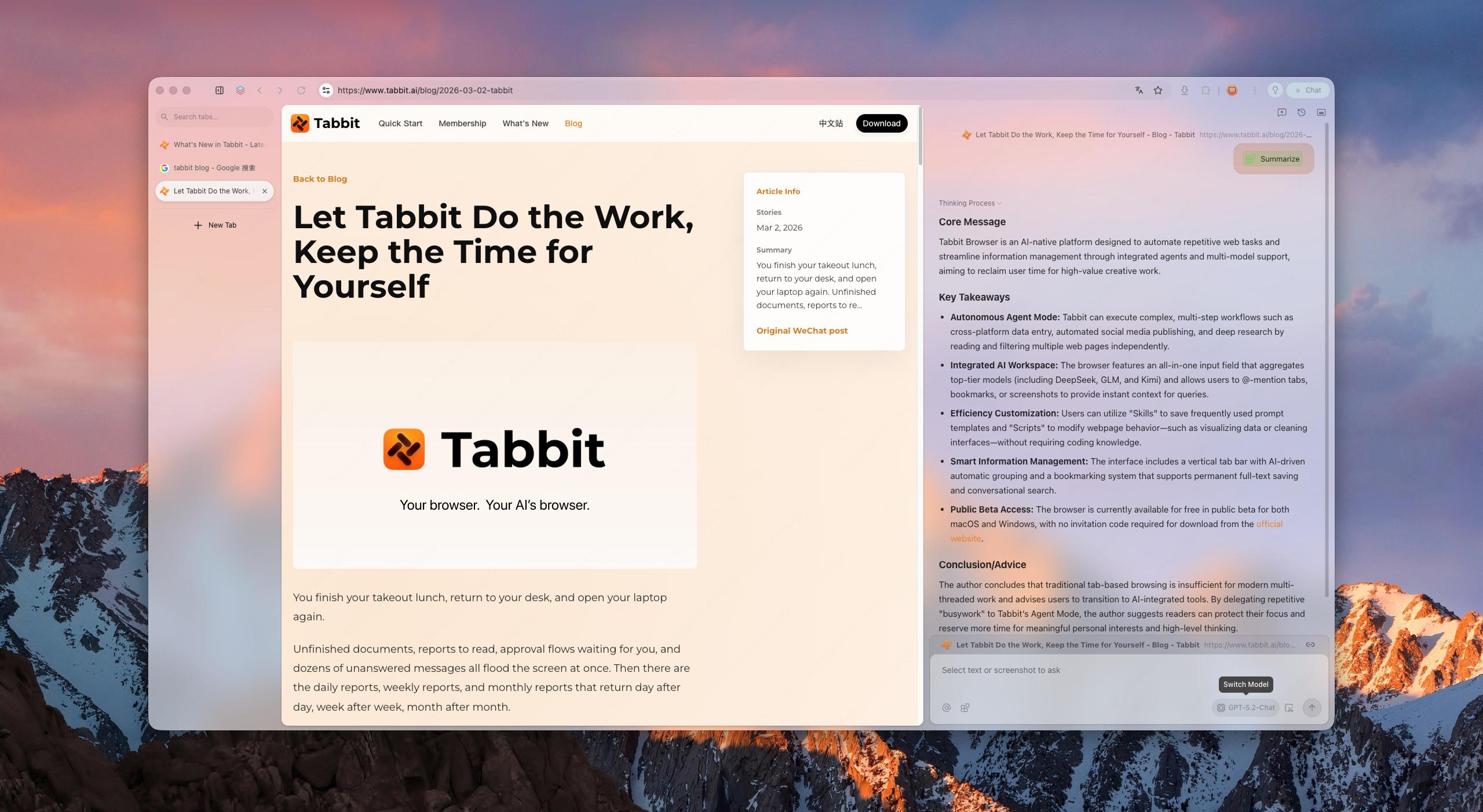
Tabbit keeps the spatial habits Zen trained you to expect: vertical rhythm, structured workspaces, and a calm surface. But it upgrades the intelligence layer to agents that can read pages, fill forms, and deliver results—only after you approve each sensitive step.
Tabbit supports model choice and reusable Skills for recurring workflows. Available models and Agent allowances depend on the current membership plan.
得られるもの
Vertical sidebar, smart grouping, and project-based workspaces keep hundreds of tabs scannable without collapse.
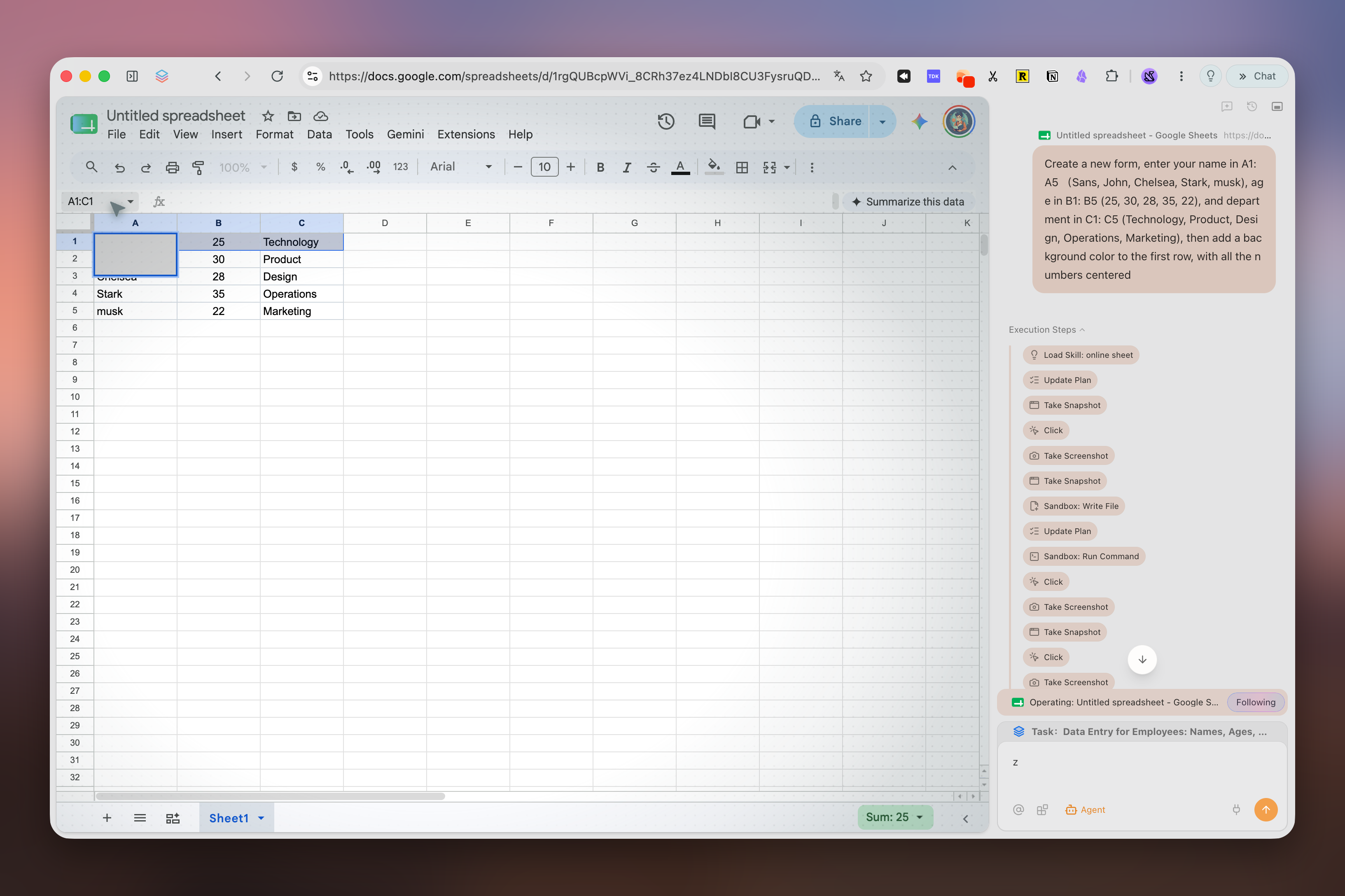
Ask the browser to research, compare, or file. It runs in its own tab group and pauses for your approval before acting on logged-in sites.
Save prompts and scripts as reusable Skills. Model availability and usage allowances depend on your current plan.
移行
ブックマークとパスワードを、Zen 固有の Workspaces、固定タブ、Mods、Firefox アドオンと分けます。後者は Chromium へ直接移りません。
Zen の Firefox ブックマークライブラリから HTML を書き出します。パスワード CSV は平文なので、取り込み後に削除してください。
対応データだけを取り込み、代替拡張を入れ、ログイン、ブックマーク、二つの実作業を確認します。試用中は Zen を残します。
ワークスペースとショートカットを再設定します。AI ブラウザでは読み取り専用の調査から始め、操作前に出典を確認します。
比較
All Browsersの候補から近い製品を選び、現在のZen乗り換え議論で重要なHeliumを加えました。
2026年9月15日確認。デスクトップ機能を比較しています。提供状況はバージョン、アカウント、地域で変わります。
| ブラウザ | デスクトップエンジン | 対応OS | タブとワークスペース | 内蔵AI | 向いている用途 |
|---|---|---|---|---|---|
| Tabbit公式機能 | Chromium (Blink) | macOS、Windows | 縦型タブ、スマート分類、独立したAgentタブ | Agent、Deep Research、プラン別の複数モデル | ページをまたぐAI作業 |
| Helium公式機能 | Chromium (Blink) | macOS、Windows、Linux · ベータ | 4レイアウト、縦型タブ、グループ、分割表示、休止 | — | コンパクトでプライバシー重視のデスクトップ |
| Vivaldi公式機能 | Chromium (Blink) | macOS、Windows、Linux | タブスタック、タイリング、ワークスペース、休止 | — | 細かなUIとタブ設定 |
| Brave公式機能 | Chromium (Blink) | macOS、Windows、Linux | 縦型タブとタブグループ | Leo、複数モデル、BYOM | 広告とトラッカーの標準ブロック |
| Mozilla Firefox公式機能 | Gecko | macOS、Windows、Linux | 縦型タブ、タブグループ、コンテナ | 任意のサイドバーチャットボット | オープンソース、Firefoxアドオン、Linux |
| Arc Browser公式機能 | Chromium (Blink) | macOS、Windows | Spaces、縦型タブ、Split View | 任意のArc Max | 洗練されたArc型ワークスペース |
| Dia公式機能 | Chromium (Blink) | macOS 14+、Windowsベータ待機 | サイドバー会話とタブグループ | Dia AI、プランと試用条件あり | 対応MacでのAI中心ブラウジング |
FAQ
It depends on your priority. Arc is the visual workspace pioneer; Vivaldi is the most customizable; Brave is the privacy-first choice. If you want workspace discipline plus agentic AI and Chromium compatibility, Tabbit is the strongest AI-native alternative.
No. Tabbit is a separate Chromium product built around page context, Agent Mode, model choice, and Skills.
Yes. Tabbit provides macOS and Windows downloads. Zen also supports both platforms and additionally supports Linux.
Many Chrome/Edge extensions can be installed because Tabbit uses Chromium, but check every essential extension individually. Extension settings and Firefox add-ons do not transfer automatically from Zen.
Zen is a Firefox-based browser centered on workspace design and customization. Tabbit uses Chromium and centers page context, Agent Mode, Skills, and model choice according to the current plan.
It means the browser can execute tasks for you—research, form filling, data aggregation—instead of only showing pages or answering chat prompts.
Tabbit is free to download. AI usage, model access and Agent allowances depend on the current membership plan.
Use any Download button on this page. It opens Tabbit’s download flow, detects your platform, and lets you choose macOS or Windows if automatic detection is inconclusive.
Tabbit をダウンロードし、Zen を残したまま読み取り専用の作業を一つ試してからメインプロファイルを移してください。