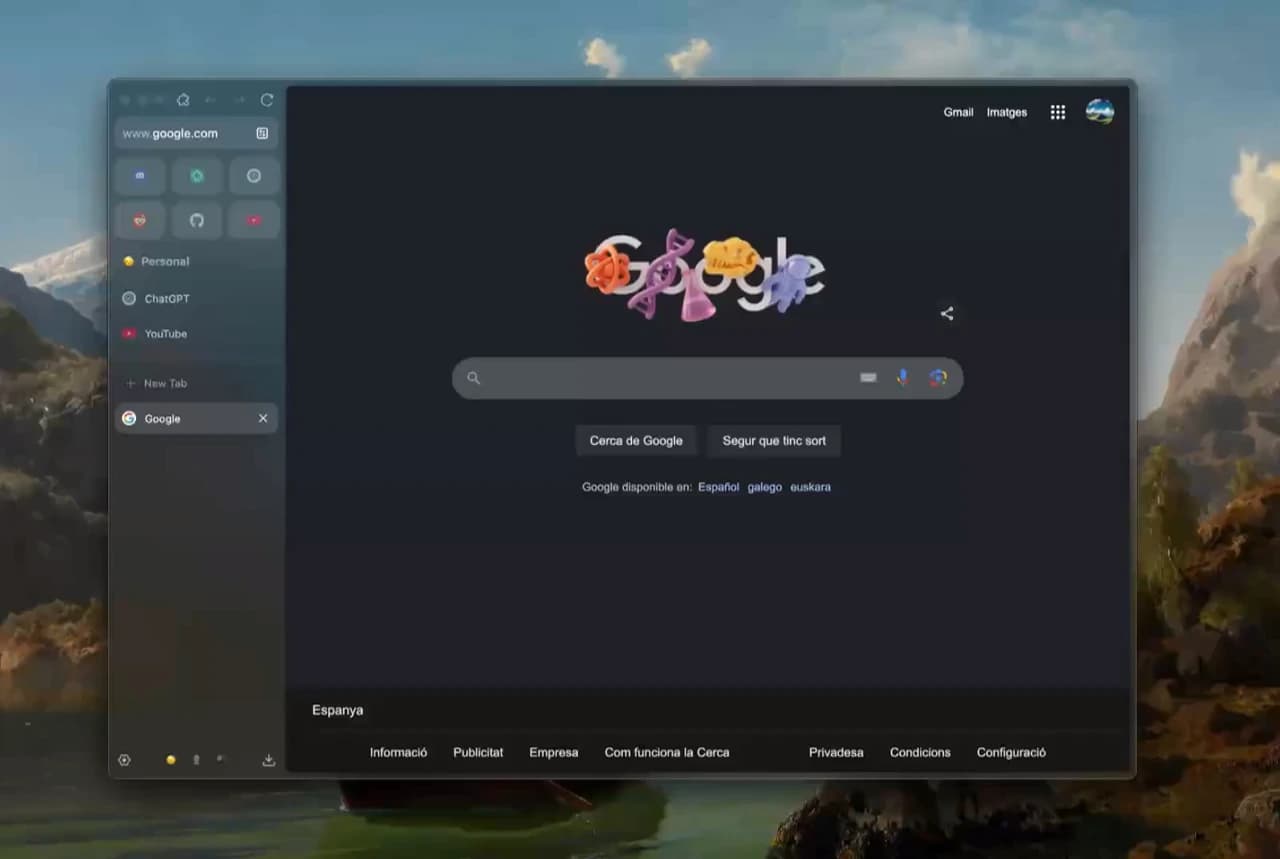
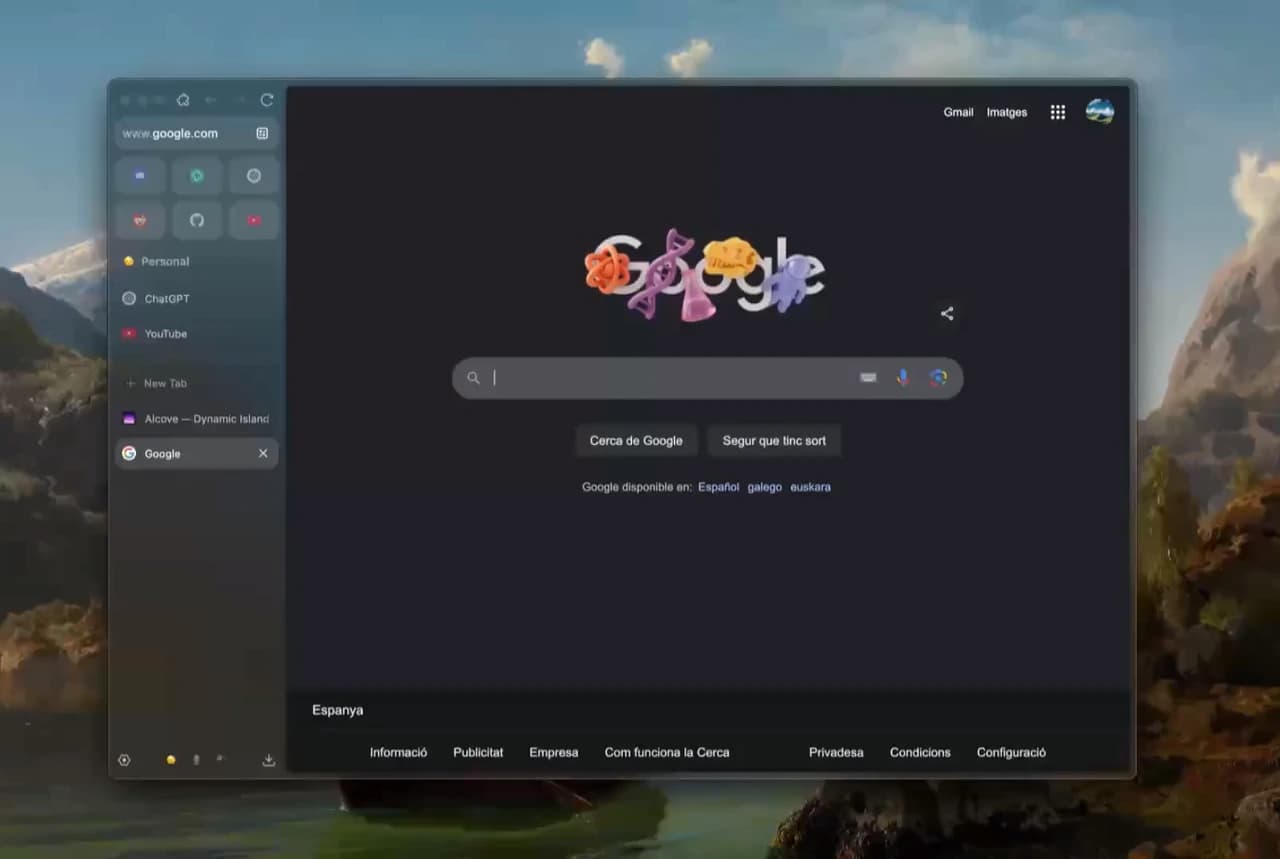
| 1. Tab Ergonomics & UI Flow | Sidebar auto-collapse responsiveness, Workspace switching speed, split-pane tiling stability, and screen real-estate recovery. | Exceptional. Compact Mode frees ~80 vertical pixels. Sidebar navigation feels instantaneous without sluggish animations. |
| 2. Privacy & Telemetry Guardrails | Outbound analytics packets, default tracker blocking, cookie compartmentalization, and open-source auditability. | Best-in-class. Clean Firefox Gecko fork with zero commercial telemetry, strict tracking protection, and native Multi-Account Containers. |
| 3. Memory Footprint & RAM Suspension | Active RAM consumption across 20 heavy tabs (Figma, Notion, YouTube, GitHub, Sheets), memory leak resistance, and CPU idle percentages. | Consistently 30–35% lighter than Chromium competitors like Chrome and Edge. Tab discarding preserves laptop battery life effectively. |
| 4. Web Engine Compatibility | Rendering fidelity on complex enterprise SPAs, WebGL graphic benchmarks, Google Workspace speed, and DRM 4K streaming. | Solid for 95% of standard websites, but occasional quirks on Chromium-first dashboards and proprietary enterprise portals. |
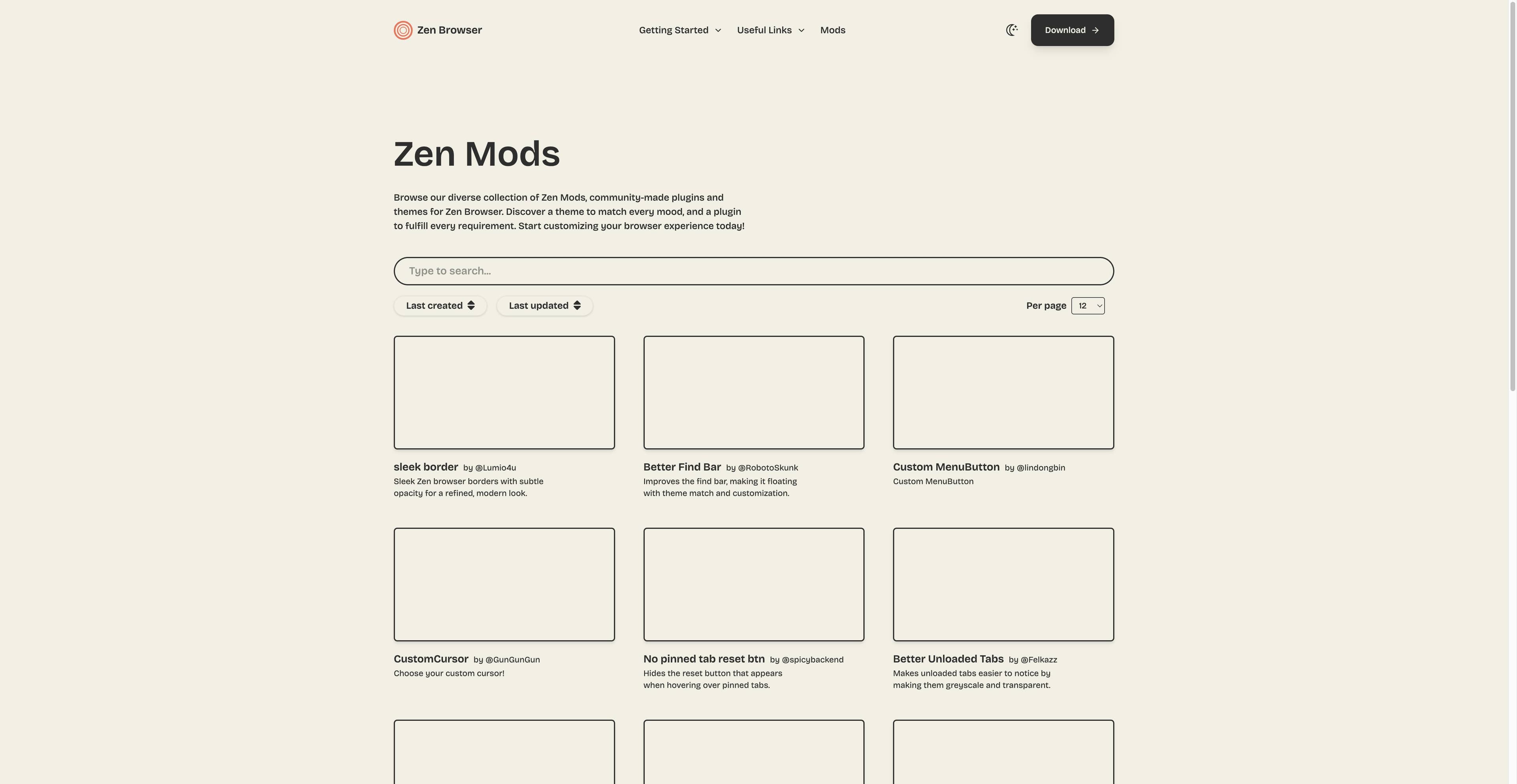
| 5. Extension & Customization Ecosystem | Availability of key developer/productivity extensions on Mozilla AMO versus Chrome Web Store, plus Zen Mods visual stability. | Zen Mods marketplace is enjoyable and CSS-safe. However, missing Chrome-only extensions (specialized CRMs, AI tools) remains a barrier. |
| 6. AI Productivity & Automation Capability | Built-in multi-model reasoning, cross-tab synthesis, context-aware web scraping, and autonomous browser-use agent execution. | Completely absent. Zen is an intentional minimalist UI shell with zero native AI features; all AI tasks require third-party web tabs or manual copy-pasting. |
 Tabbit