English
Marble Browser vs Firefox
Marble restores the Photon interface on a Firefox ESR base. Firefox is Mozilla’s upstream browser, with its own updates and desktop and mobile apps.
Choose Marble for its restored interface. For a daily browser with Mozilla’s official update path, start with Firefox.
Compare the differences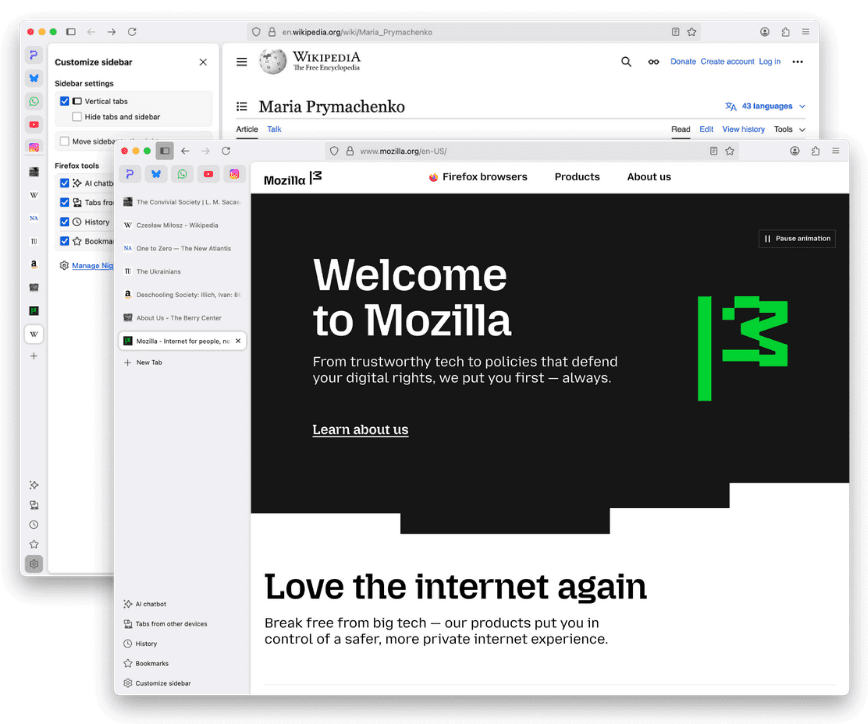
What actually changes
| Decision factor | Marble Browser | Firefox |
|---|---|---|
| Browser base | Derived from Firefox ESR; uses Gecko. | Mozilla’s upstream browser; desktop Firefox uses Gecko. |
| Interface | Restores Photon layout and removed native styling. | Current Firefox interface, with sidebar and vertical tab options. |
| Platforms | The release notes say macOS builds are no longer provided. Check current assets for other systems. | Official apps for Windows, macOS, Linux, Android and iOS. |
| Updates | Check the project’s release notes and the ESR version in the actual installer. | Updates come through Mozilla or your distribution’s package manager. |
| Extensions | Firefox ancestry is useful, but test each required add-on against the installed build. | Uses Mozilla’s Firefox add-on ecosystem. |
| Sync and devices | Verify sign-in and sync in your build; do not assume every Firefox feature transfers. | Mozilla account sync connects supported desktop and mobile Firefox apps. |
| Best reason to choose | You specifically want the restored interface and can check build details. | You want the upstream browser, its support documentation and multi-device ecosystem. |
Check updates before judging security
A familiar interface tells you little about patch freshness. Marble’s development branch and downloadable release can use different ESR versions. Compare the installed build with its release notes before making it your main browser.
Firefox documents Enhanced Tracking Protection and its update process. Those facts do not prove that a fork has identical settings or patch timing. We have not audited Marble or benchmarked either browser.
Marble releases and downloads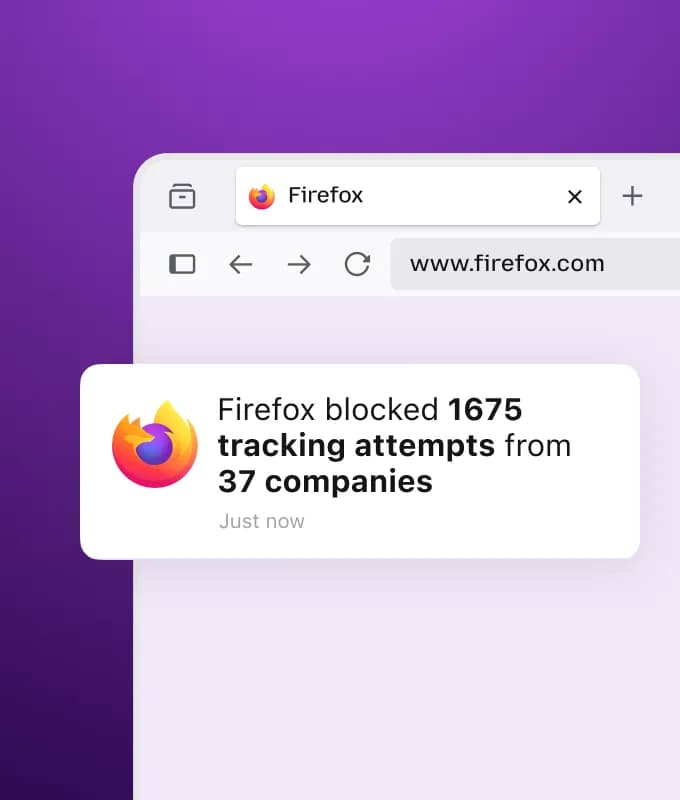
Before replacing your daily browser
- Open the Marble project’s own releases page and check the operating system and version for your download.
- Use a separate browser profile for the trial. Keep your existing profile and a backup of bookmarks.
- Test the sites, add-ons and sign-in flows you depend on. Confirm sync in both directions if you need it.
- Keep a supported browser available while you assess updates and compatibility.
If your goal is AI task execution
Try a browser built around web tasks
If you want to read webpages with AI or carry out steps in a web app, Tabbit is another option. Its Agent mode can work with page context and perform browser tasks. The example shows data entry in Google Sheets.
Check the current regional app and plan for availability and usage limits. Review the task’s output before relying on it.

Questions before switching
Is Marble Browser based on Firefox?
Yes. Erizur/Marble describes itself as based on Firefox ESR and focused on restoring the Photon style, layout and native styling. It is a separate project from Mozilla Firefox.
Is Marble faster than Firefox?
We do not have a controlled benchmark. An ESR base or older-looking interface is not evidence of lower memory use or faster page loads. Compare the same sites, extensions and hardware before drawing a conclusion.
Is Marble as safe as Firefox?
That requires checking the actual build, patch level, update delivery and settings. Sharing Firefox code does not establish identical security. This page is a source-based comparison, not a security audit.
Will Firefox extensions and sync work in Marble?
Check the build you install. Test your essential extensions and Mozilla account sync before moving data. The project’s Firefox base alone does not verify complete compatibility.
Sources and scope
- Marble project and README
- Marble releases and downloads
- Mozilla: sidebar and vertical tabs
- Mozilla: tracking protection
- Mozilla: update Firefox
- Firefox official site