Rendering speed
How quickly a page paints. Tabbit uses a modern Chromium engine, so pages load and scroll smoothly.
Tabbit loads pages fast, sips memory, and lets an AI agent handle the busywork — so the browser feels fast from the first click to the last task.

Fast Browser
Boots fast
Starts in moments on Mac & Windows
Sips RAM
Smart tab sleeping keeps memory low
AI does the work
Summarize, fill, research on command
Free forever
No paywall, no invite code
Speed tests measure how fast a browser renders a page. But most modern browsers render pages in milliseconds. What you actually feel is how fast you finish what you opened the browser to do.
How quickly a page paints. Tabbit uses a modern Chromium engine, so pages load and scroll smoothly.
How much RAM the browser keeps even with dozens of tabs open. Tabbit sleeps background tabs so your whole computer stays fast.
How quickly you go from an idea to a finished result. With AI summaries, automated agents, and deep research, Tabbit shortens that time dramatically.
If you keep hundreds of tabs open and manually copy, paste, and search all day, the bottleneck isn't your internet. It's your browser.
Tab-heavy browsers can eat 3–4 GB of RAM, slowing down your whole laptop.
Hundreds of tabs with no structure make it impossible to find what you need.
Copying notes, switching apps, re-searching the same topic — all those steps add up.
Filling forms, extracting data, and writing summaries by hand is slow and error-prone.
All modern browsers are fast at rendering pages. The bigger differences are memory use, tab management, and whether the browser helps you finish work.
| Browser | Page speed | Memory | Tabs & workspace | AI automation | Workflow speed | Price |
|---|---|---|---|---|---|---|
| Tabbit | Fast | Lightweight with tab sleeping | Vertical tabs + AI grouping | Built-in AI agent | Task-level | Free |
| Chrome | Fast (benchmark leader) | Heavy with many tabs | Tab groups, manual | Limited via extensions | Manual | Free |
| Edge | Very fast | Good on Windows | Tab groups + sleeping tabs | Copilot built-in | Semi-automated | Free |
| Brave | Fast (ad-blocking) | Lighter than Chrome | Standard | Leo AI optional | Manual | Free |
| Firefox | Good | Moderate | Standard + containers | None built-in | Manual | Free |

These are the moments where Tabbit feels fastest — not just when a page loads, but when a task that used to take minutes finishes on its own.

Open any article and the AI sidebar distills it into key points, summaries, and answers — no more scanning every paragraph.

Tell Tabbit what to do in plain language. The agent can fill forms, gather data, and move across pages while you focus on the real work.

Ask a deep research question and Tabbit reads, filters, and synthesizes dozens of pages into a structured report.
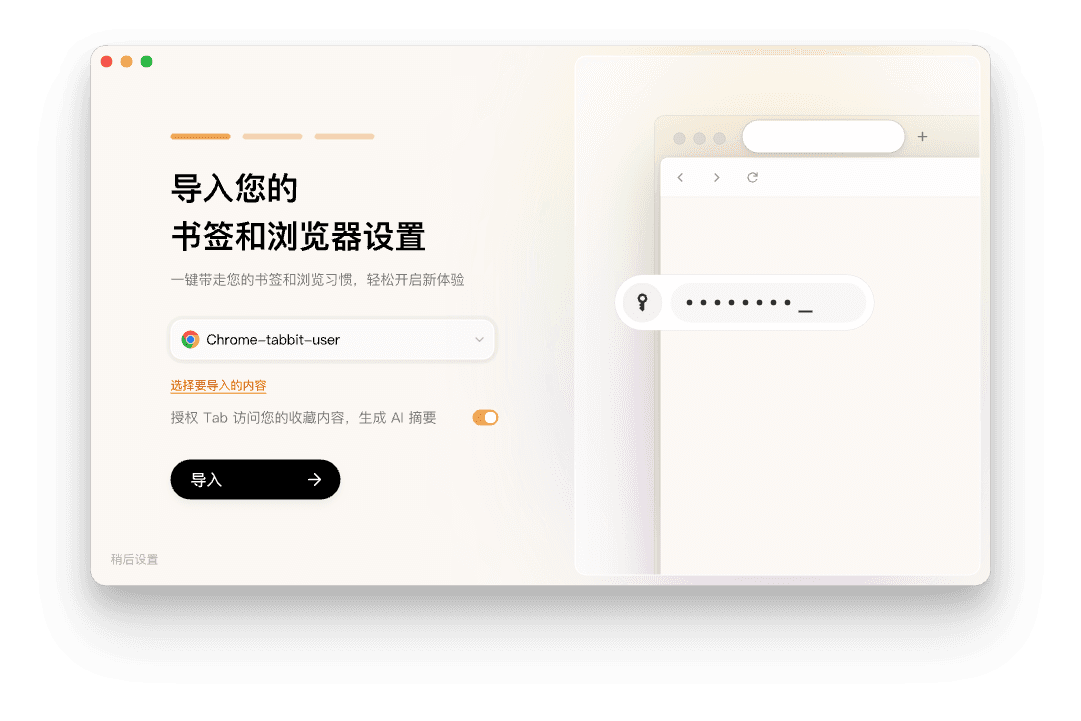
Switching browsers used to mean redoing everything. Tabbit imports your bookmarks, passwords, history, and settings from Chrome, Edge, and Safari in a few clicks.
Free for macOS and Windows. No invite code required.
Bring over bookmarks, passwords, history, and extensions from your current browser.
Use the omnibox to search, ask, and command. Watch the AI handle the rest.
Tabbit renders pages quickly on a modern Chromium engine, and it stays responsive even with dozens of tabs open thanks to smart tab sleeping. But its biggest speed advantage is workflow: AI summaries, automated agents, and deep research finish tasks that would take minutes or hours in a traditional browser.
Download Tabbit free for macOS and Windows. Import your bookmarks, keep your passwords, and feel what a fast browser can do when it does the work for you.
