Everyday Web Browsing
Casual AI Explorers
You want a clean, distraction-free browser with a helpful AI sidebar for TL;DRs, quick grammar checks, and recipe extractions without complex setups.
Verdict:
Dia is a great, simple fit.
Dia is The Browser Company’s post-Arc pivot: a minimalist, Chromium-powered browser that weaves AI into the address bar and sidebar without the intimidating layout of Arc. But does it deliver enough agentic power and cross-platform depth to replace your daily driver?
2026 Editorial Verdict
Overall Score (Out of 5.0)
Dia strips away the cognitive load of Arc in favor of a fast, approachable Chrome-like shell with built-in page summaries and reusable prompt “Skills”. However, single-model dependency, early Windows support, and lack of autonomous multi-tab agent workflows leave power users looking toward more comprehensive multi-model alternatives like Tabbit and Perplexity Comet.
Quick Jump
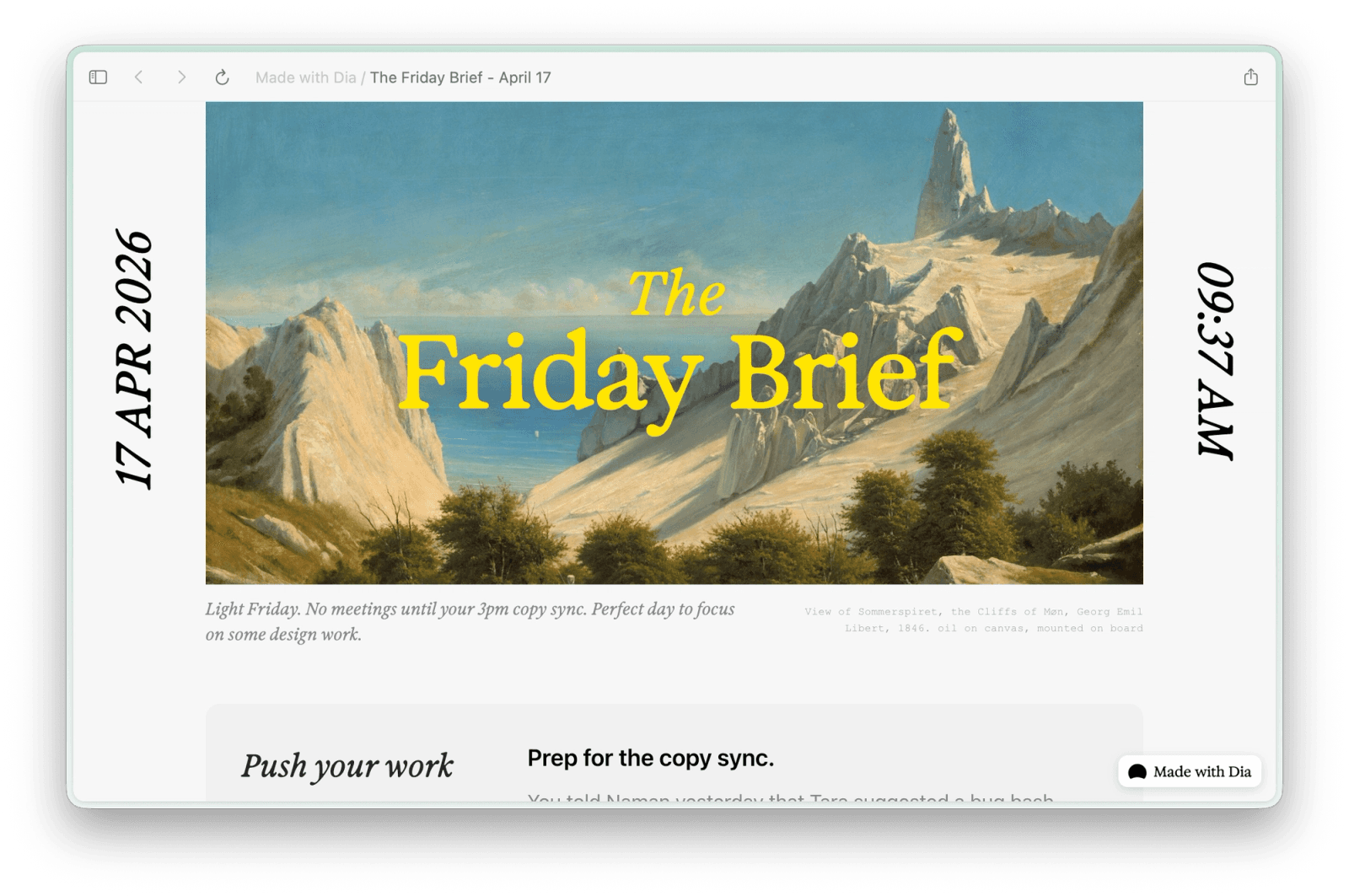
Interface Tour
See what Dia’s minimalist interface, prompt Skills, split view workspace, and Windows build look like in action.
Dia integrates customizable prompt templates called “Skills” into a clean right-side AI companion that reads your active page context.
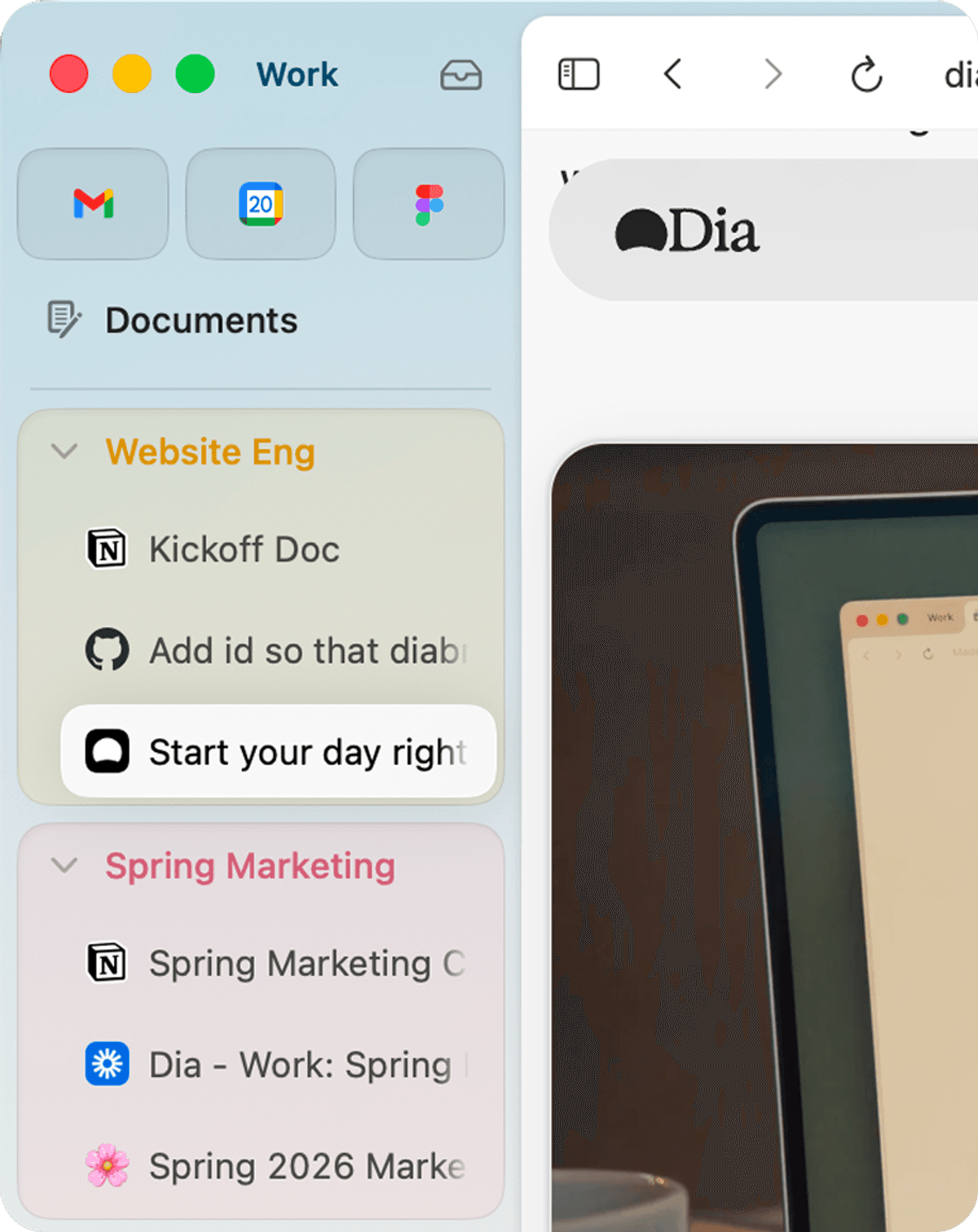
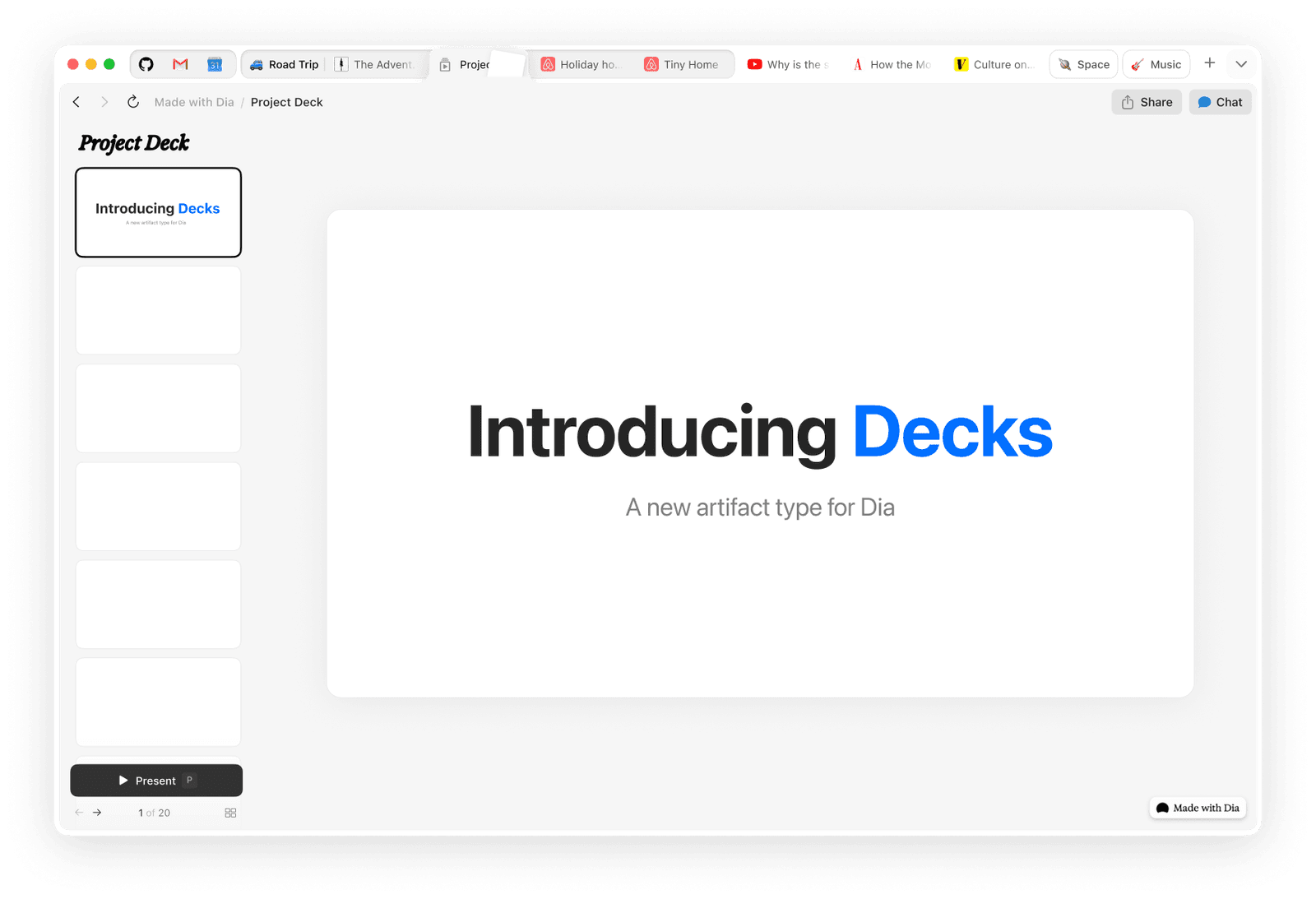
Keep meeting notes, documents, and references side-by-side without juggling windows, with automatic workspace memory for recurring tasks.
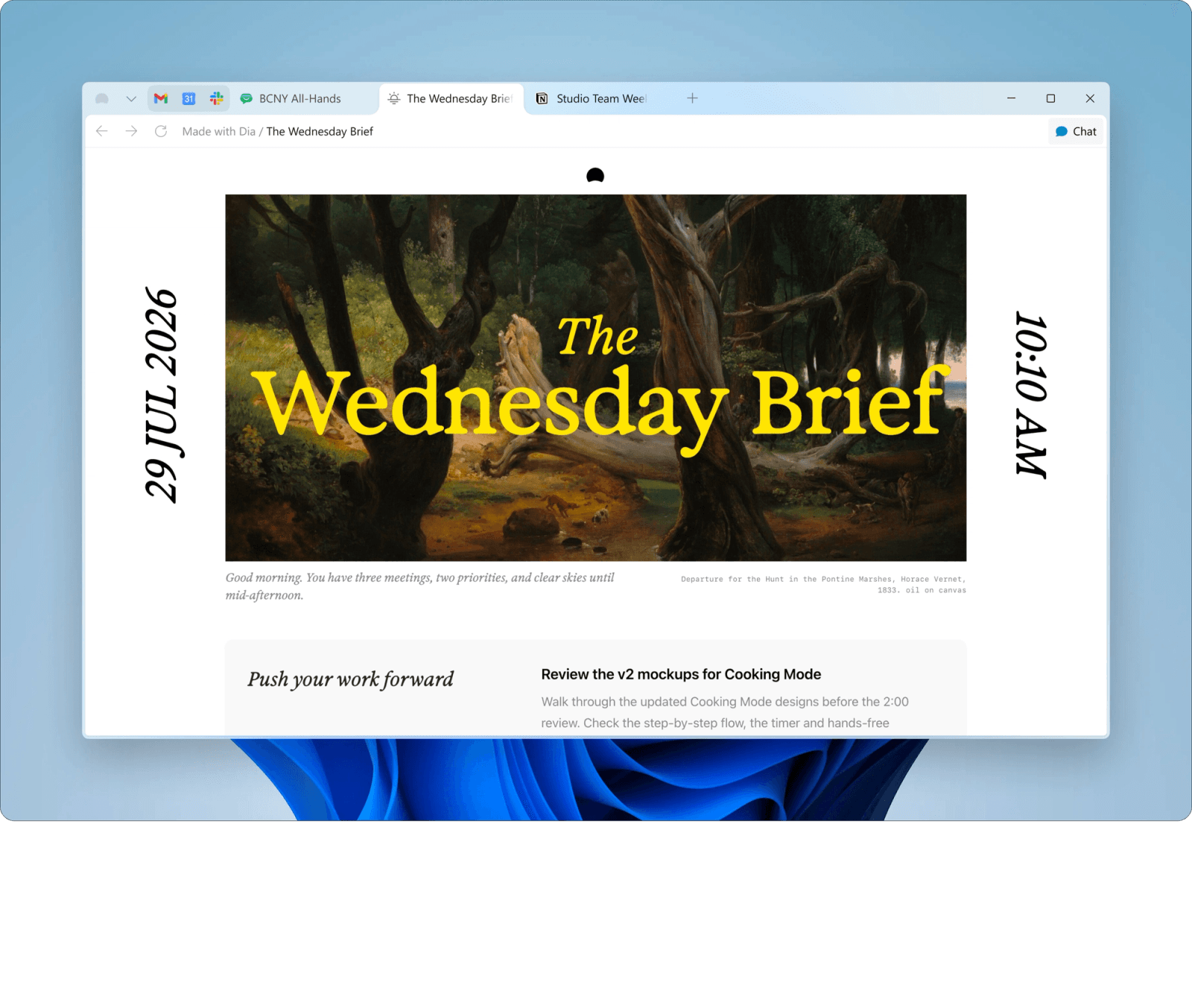
The Browser Company is actively bringing Dia’s minimalist aesthetic to Windows 11, featuring native title bar integration and fluent animations.
Visual AI Breakdown
Next-generation browsers are moving from static tabs to interactive AI assistants. See how dedicated agent interfaces, cross-tab synthesis, and parallel multi-model execution differ in practice.
Perplexity Comet and modern agentic browsers provide dedicated agent copilots that browse, click, and query live web sources autonomously rather than just summarizing text.
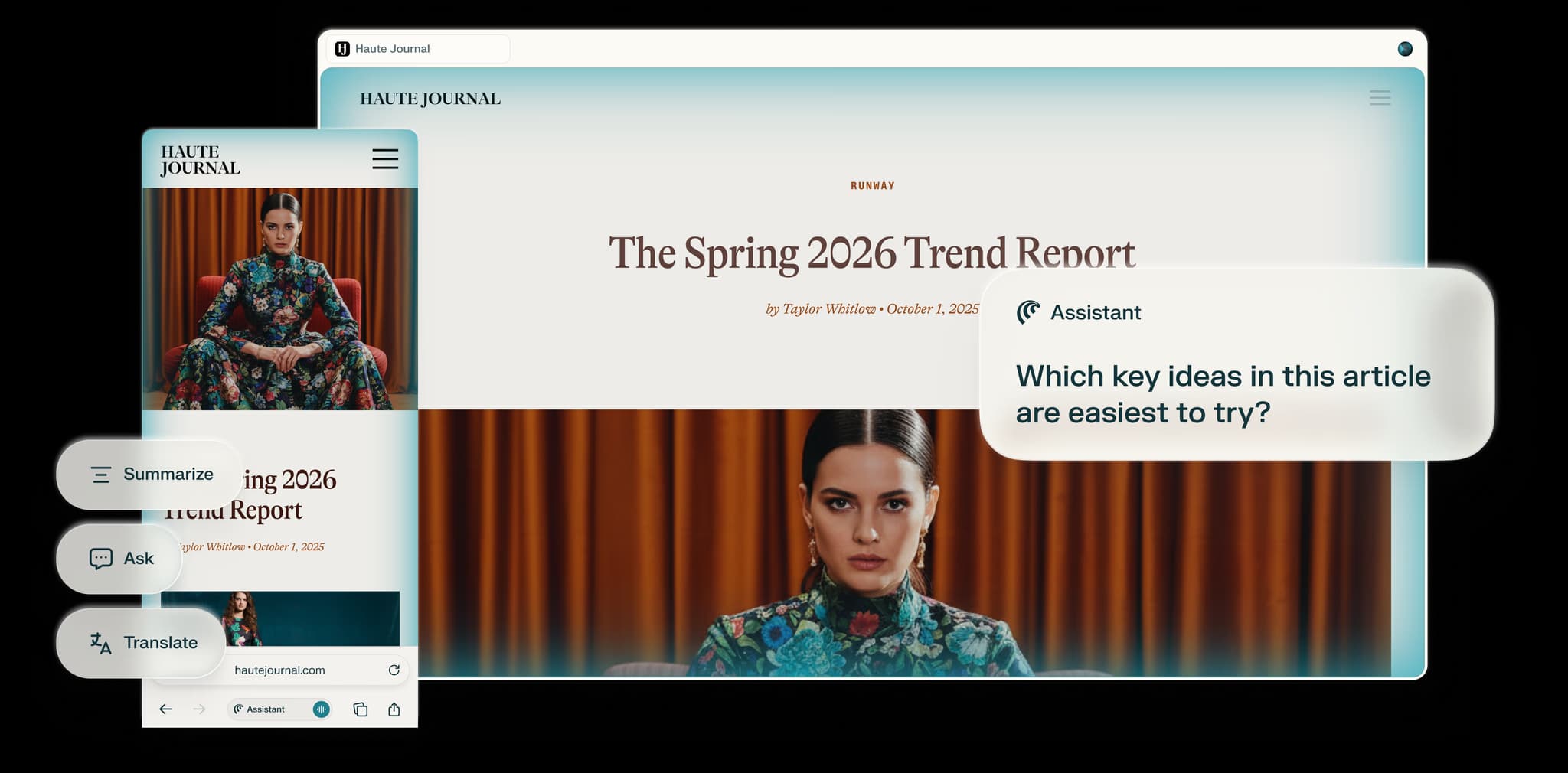
Instead of looking at only one URL at a time, advanced AI browsers read across dozens of open tabs to compile unified reports, fact checks, and source citations.
Perplexity Comet integrates voice-driven conversational AI directly into the browser, enabling hands-free questions and real-time audio interaction with active tab context.
Compare responses from Claude 3.5 Sonnet, GPT-4o, and DeepSeek side-by-side in one window, with human-in-the-loop approvals for agentic actions.

Hands-On Benchmark
We evaluated Dia across five essential categories that separate surface-level AI hype from real-world daily productivity.
| Evaluation Signal | What We Test in Real Workflows | Dia Browser Result | Tabbit Alternative |
|---|---|---|---|
| AI Context & Daily Chat | Sidebar Q&A, active page summarizing, writing helpers | Fast and responsive URL bar AI with reusable prompt Skills | Full contextual sidebar with zero-latency page comprehension & persistent notes |
| Autonomous Agent Workflows | Multi-step web extraction, form fills, background research | Basic single-page prompts; no autonomous agent execution | Full Agent Mode with step-by-step human-in-the-loop approval & browser automation |
| Multi-Model Selection | Switching between frontier LLMs (Claude, GPT-4o, DeepSeek) | Locked into proprietary default model; no model switching | Simultaneous multi-model queries across leading frontier reasoning models |
| Cross-Platform Windows Parity | Feature parity, shortcut reliability, rendering speed on Windows 11/10 | Mac-first architecture; Windows build is gradually catching up | Native, optimized builds for macOS and Windows with identical feature sets |
| Pricing & Free Tier Sustainability | Daily rate limits, pro subscription tier, corporate backing | Free beta with waitlist; expected Pro tiers post-Atlassian acquisition ($610M) | Generous free daily tier with no waitlist and transparent power options |
Honest Trade-offs
The Bottom Line: If you want a minimalist, aesthetic Chrome upgrade with lightweight AI Q&A, Dia is a pleasant upgrade. But if you need multi-model reasoning, cross-tab research, or automated browser agents on Windows and Mac, Tabbit offers a far more capable foundation today.
Decision Matrix
Choose the browser that matches your specific cognitive and workflow requirements.
You want a clean, distraction-free browser with a helpful AI sidebar for TL;DRs, quick grammar checks, and recipe extractions without complex setups.
Dia is a great, simple fit.
You manage dozens of academic papers, market reports, and competitor tabs simultaneously and need multi-model validation across Claude, GPT, and DeepSeek.
Tabbit is strongly recommended.
You work on Windows 11 at the office and Mac at home, requiring 100% identical extension compatibility, shortcut behavior, and instant zero-waitlist setup.
Tabbit provides full parity today.
Topic Deep Dives
Dive deeper into Dia’s pricing structure, head-to-head browser benchmarks, and vetted AI alternatives.
Everything you need to know about Dia’s beta access, free tier AI quotas, and anticipated Pro pricing tiers.
Comparing RAM consumption, speed, extension stability, and native AI integration for daily browsing.
Review the top AI-first browsers including Tabbit, Comet, Zen, and Arc to find the best fit for your workflow.
The Next Level
While Dia treats AI primarily as a conversational sidebar attached to a single web page, modern research workflows demand full contextual comprehension across your entire browsing session.
Tabbit bridges this gap by offering multi-model consensus, cross-tab synthesis, and autonomous agent execution with explicit security guardrails—available on both macOS and Windows without a waitlist.

Answers to Top Questions
Download Tabbit today to unlock parallel multi-model intelligence, cross-tab synthesis, and autonomous agent assistance on macOS and Windows.
Free to use • No waitlist • macOS & Windows supported