AI-Native Arc Alternative for 2026
3 Arc Browser Alternatives for 2026, Compared
Choose by the job: Tabbit for agentic work, Arc for the familiar original, Dia for paid contextual AI, or Zen for an open-source Firefox base. Compare the tradeoffs before you move.
Free download · AI allowance varies by plan

AI-Native Arc Alternative for 2026
Quick answer: choose by what matters most
- Vertical tabs + workspaces across macOS & Windows
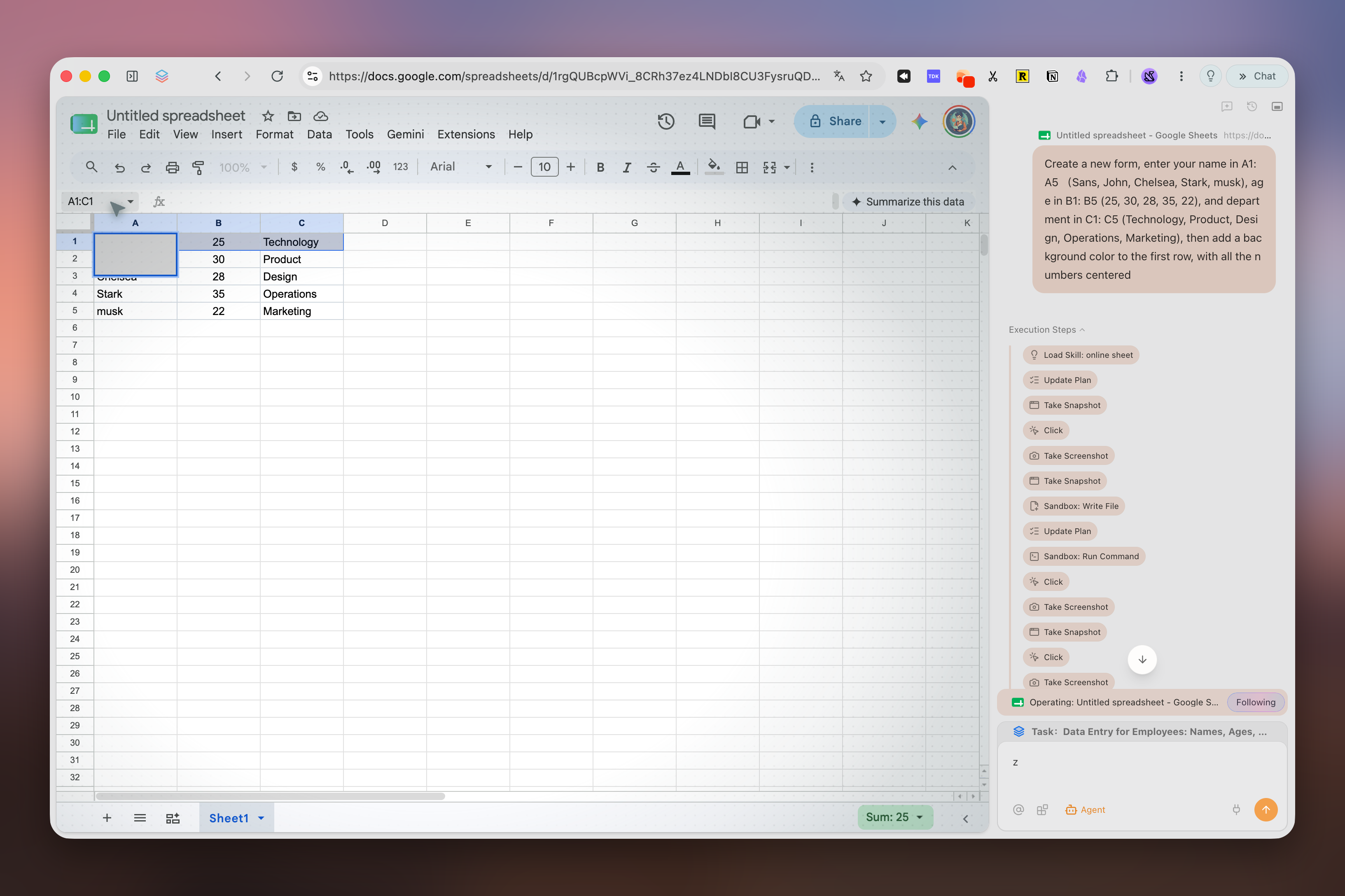
- Agent Mode automates multi-step web tasks
- Free Trial allowance; optional Pro for heavier Agent use
- A migration checklist that accounts for Arc export limits
Quick shortlist
Start with the browser that fits your priority
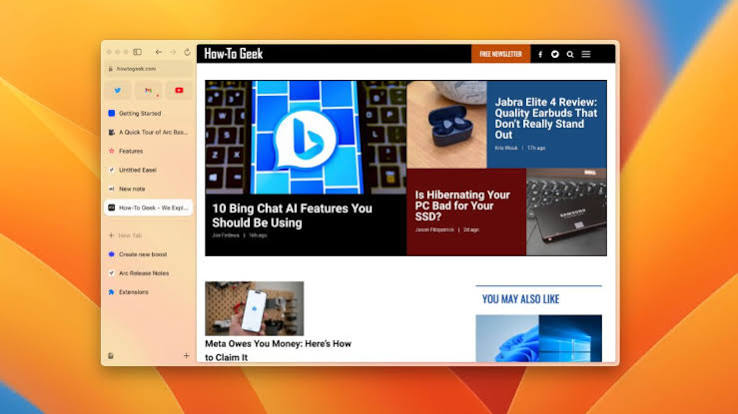
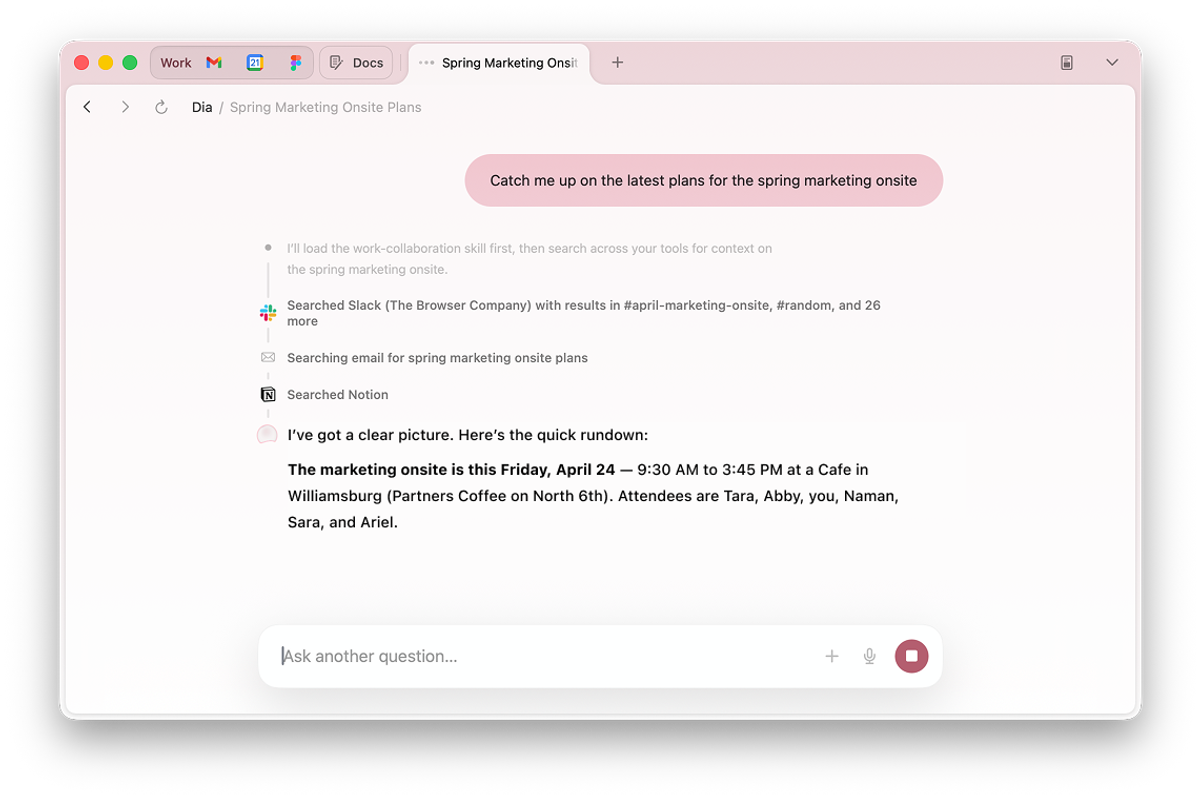
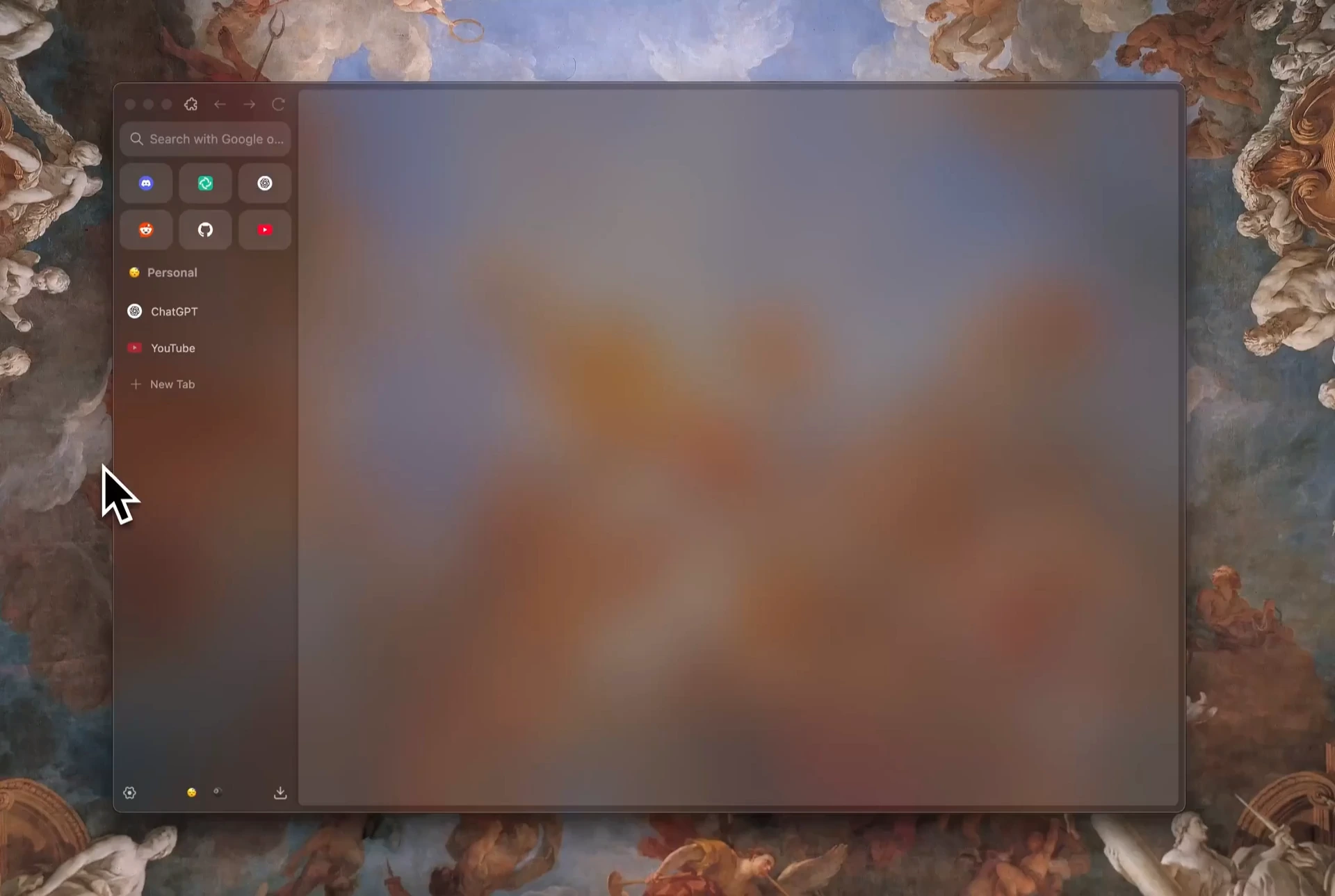
Compare
How Tabbit compares to Arc, Dia, and Zen
Most "Arc alternative" lists stop at vertical tabs. Here is how Tabbit stacks up when you also care about AI execution, cross-platform support, and price.
| Feature | Tabbit | Arc | Dia | Zen |
|---|---|---|---|---|
| Vertical tabs & sidebar | Yes | Yes | Yes | Yes |
| Workspaces / spaces | Yes | Yes | Yes | Partial |
| AI Agent that executes tasks | Yes | No active AI development | Paid AI plans | No |
| macOS + Windows | Yes | Yes | Yes | Yes |
| Current price model | Free Trial; optional Pro | Free | Free browser; AI from $20/month | Free and open source |
| Product direction | Agent workflows | Chromium updates only | Contextual AI | Customizable Firefox base |
Checked against official Arc, Dia, and Zen pages on September 7, 2026. Plans and availability can change.
What you get
What makes Tabbit the best Arc alternative
Agent Mode that does the work
Tell Tabbit what you need—research, booking, data entry—and it runs the task in its own tab group while you keep working elsewhere.
Omnibox with @ context
Type @ to reference open tabs, screenshots, PDFs, or Excel files. No more copy-paste between your browser and an AI chat window.
Skills Plaza
Save your favorite prompts and automations as Skills, or discover community-built ones. Type / to run them instantly.
Vertical tabs + smart workspaces
Keep the sidebar-driven, distraction-free layout you loved in Arc. Tabbit automatically groups tabs into topic-based workspaces.
Switch
Move from Arc without losing the links that matter
Save Arc pinned links
Arc cannot directly export Pinned or Favorite tabs. Put them in a Pinned Folder, choose Copy All Links, and save the list.
Import supported browser data
Install Tabbit, open Import Bookmarks & Settings, and bring over supported data from Chrome, Edge, or Safari. Re-add the Arc links you saved.
Rebuild Spaces deliberately
Create workspaces for active projects, restore essential extensions, verify sign-ins, then test Agent Mode on a low-risk task.
FAQ
Frequently asked questions
Tabbit is free to download. The Free plan has a weekly-reset Trial allowance; Standard is free at 10× Trial when Tabbit is your default browser, while Pro is optional for heavier Agent use and top models.
Ready to upgrade from Arc?
Download Tabbit, use the weekly Trial allowance, and upgrade only if your Agent workload needs more capacity.