The Complete 2026 Directory

All Browsers (2026)

Every major web browser in one place — from Chrome and Edge to Tor and Tabbit. See how they are built, which category fits you, and where the new AI-native generation changes the game.

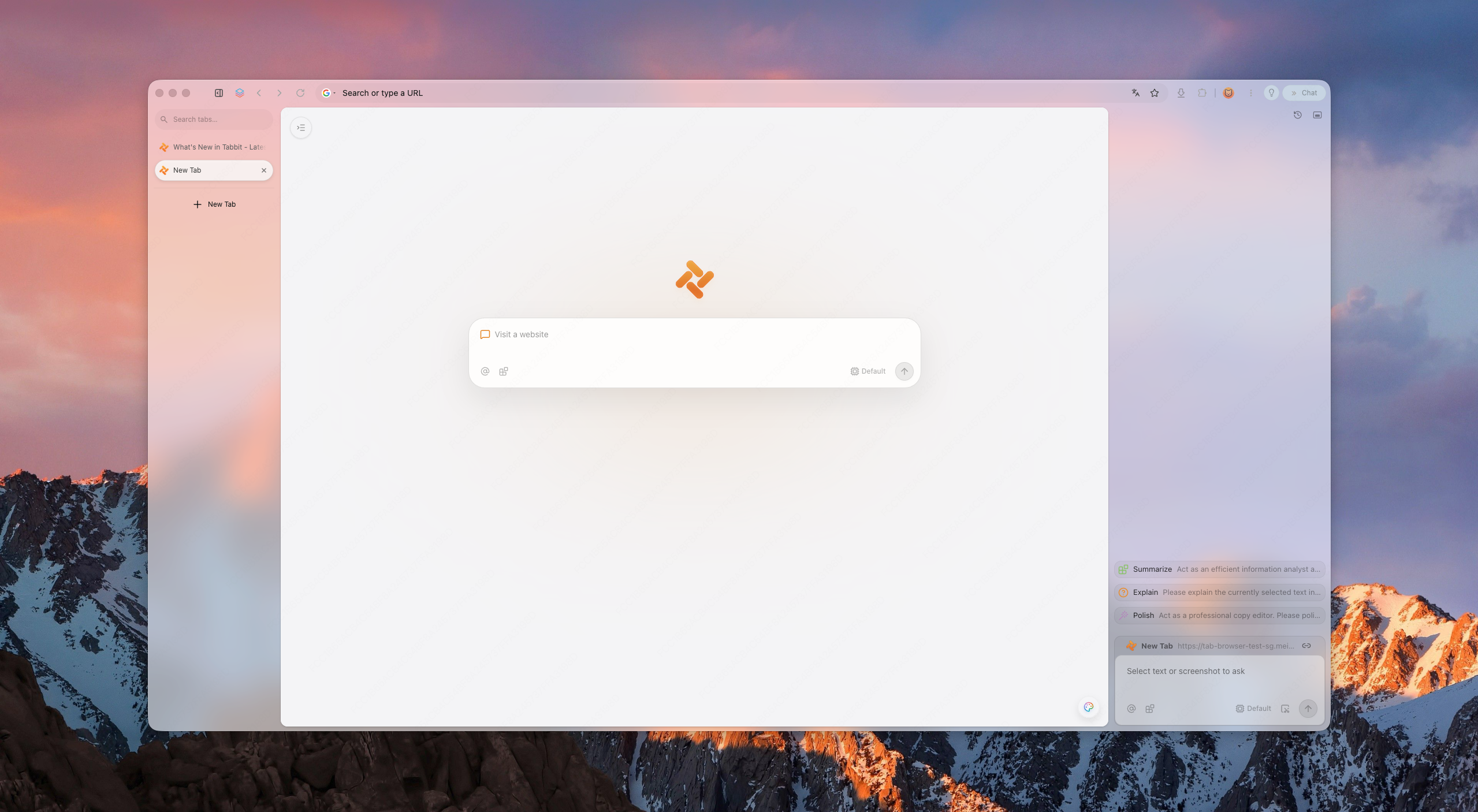
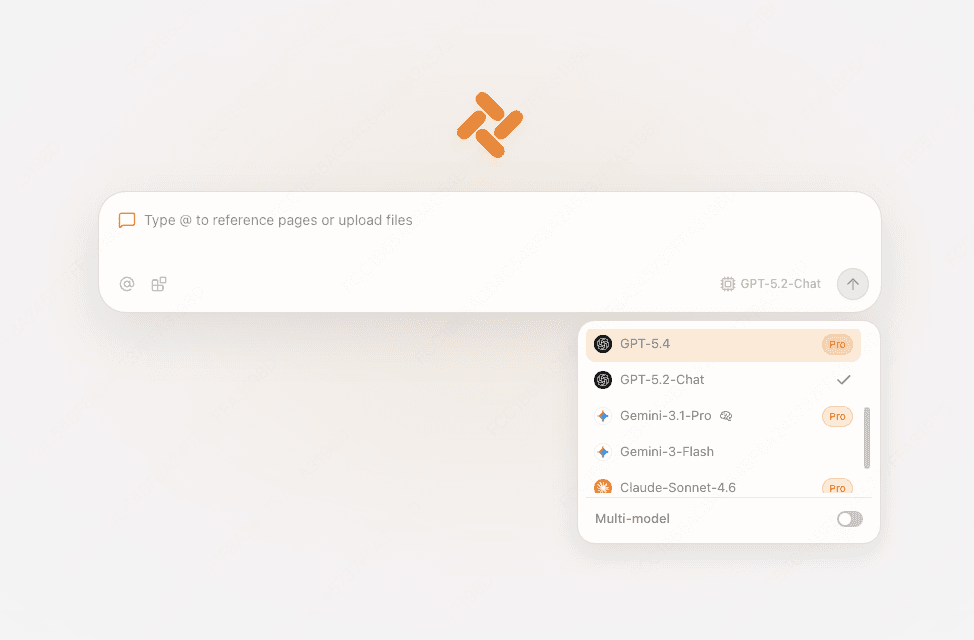
Tabbit browser new tab page on a desktop, showing a clean interface with the Tabbit logo and a warm gradient background

The Complete 2026 Directory

  • 3

    Core engines

  • 24+

    Browsers covered

  • Desktop + mobile

    Platforms

  • Tabbit first

    AI-native picks

How browsers are built

Almost every browser runs on one of three engines

Behind the logos, nearly all web browsers share one of three rendering engines. The engine decides compatibility, performance and how many extensions you can use.

01

Chromium / Blink

The engine behind Chrome, Edge, Brave, Opera, Arc, Vivaldi and Tabbit. The largest ecosystem, fastest updates, and the most extensions.

Chrome, Edge, Brave, Opera, Arc, Vivaldi, Tabbit

02

Apple WebKit

The engine that powers Safari and every browser on iOS and iPadOS. Tuned for Apple hardware and battery life.

Safari, all iOS browsers

03

Mozilla Gecko

The independent engine behind Firefox and Tor. Built by a non-profit with a strong focus on privacy and web standards.

Firefox, Tor Browser

The browser universe

Every major browser, organized by category

Instead of one endless list, here is the browser world grouped by how people actually choose: mainstream defaults, privacy-first, AI-native, built-in OS, and niche classics.

Mainstream browsers

The defaults most people use every day

Google Chrome

Most popular

Fast, stable, huge extension store and deep Google sync.

Apple Safari

Apple default

The most efficient browser on Mac, iPhone and iPad.

Microsoft Edge

Windows default

Windows-integrated with Copilot AI and vertical tabs.

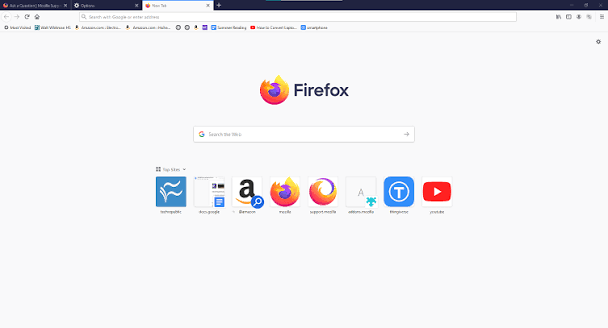
Mozilla Firefox

Independent

Open-source, private-by-default and full of extensions.

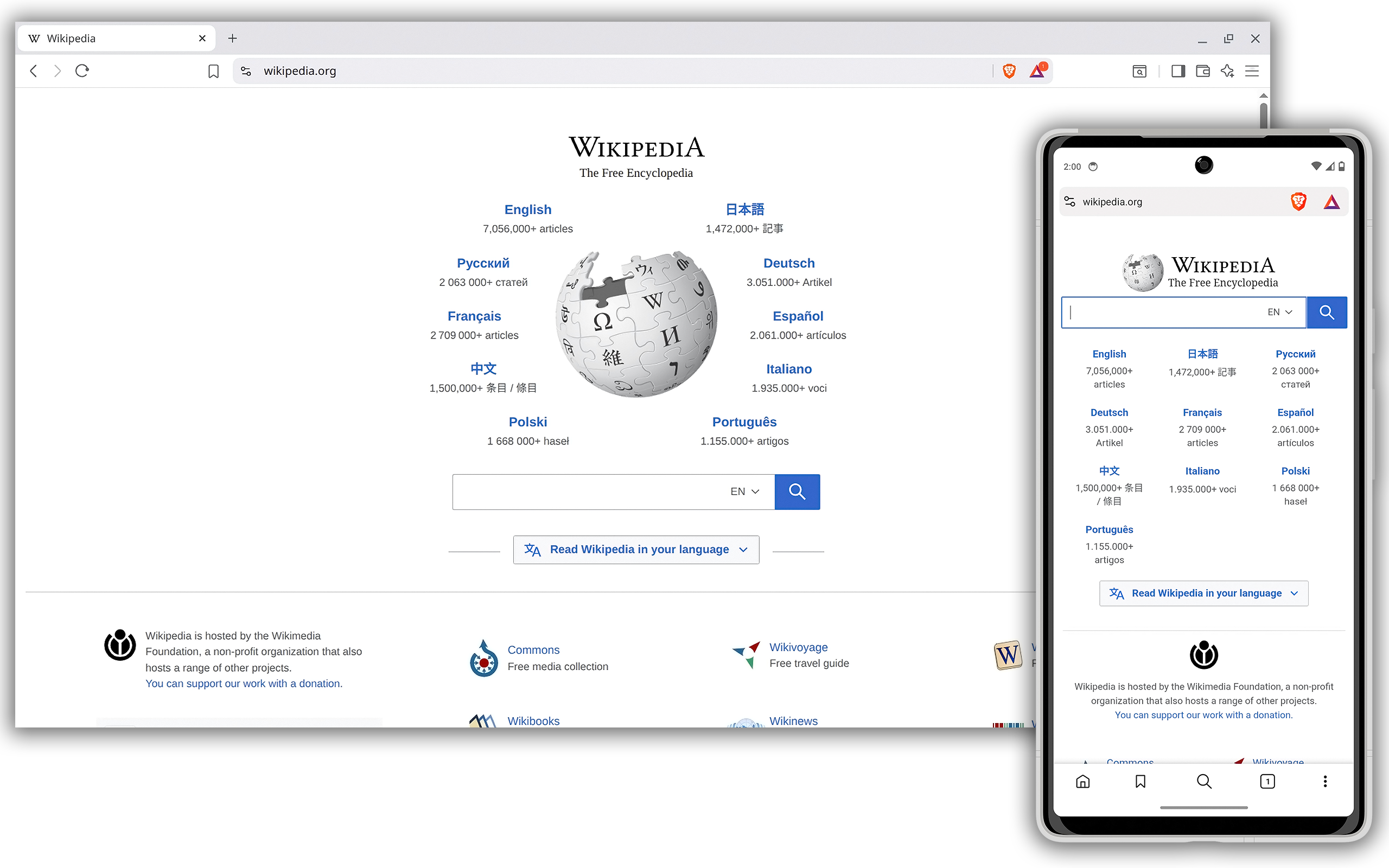
Brave

Privacy + speed

Blocks ads and trackers by default, so pages load faster.

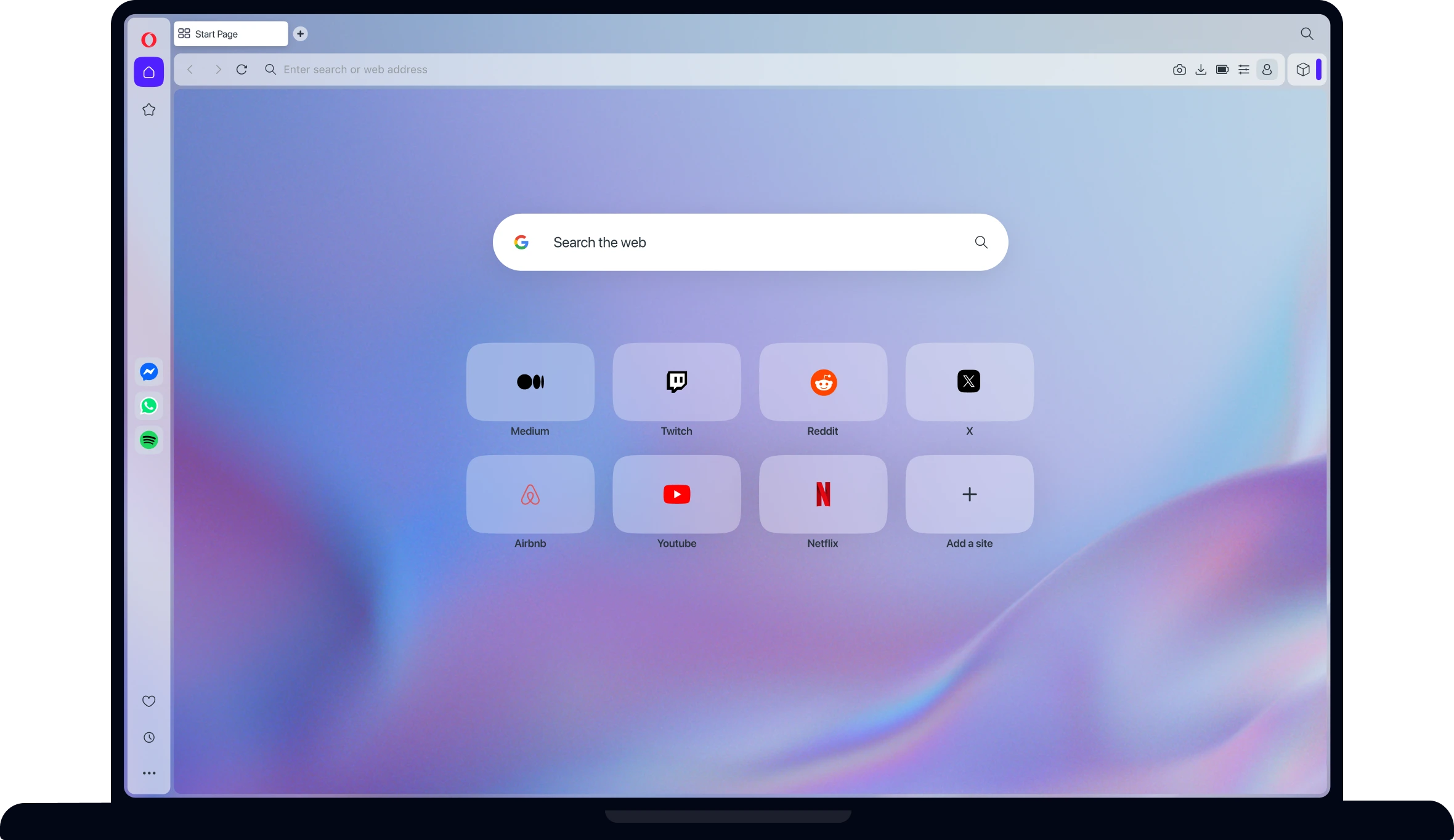
Opera

Feature-rich

Built-in sidebar, VPN and a fresh look for daily browsing.

Privacy-first browsers

Built to keep your data yours

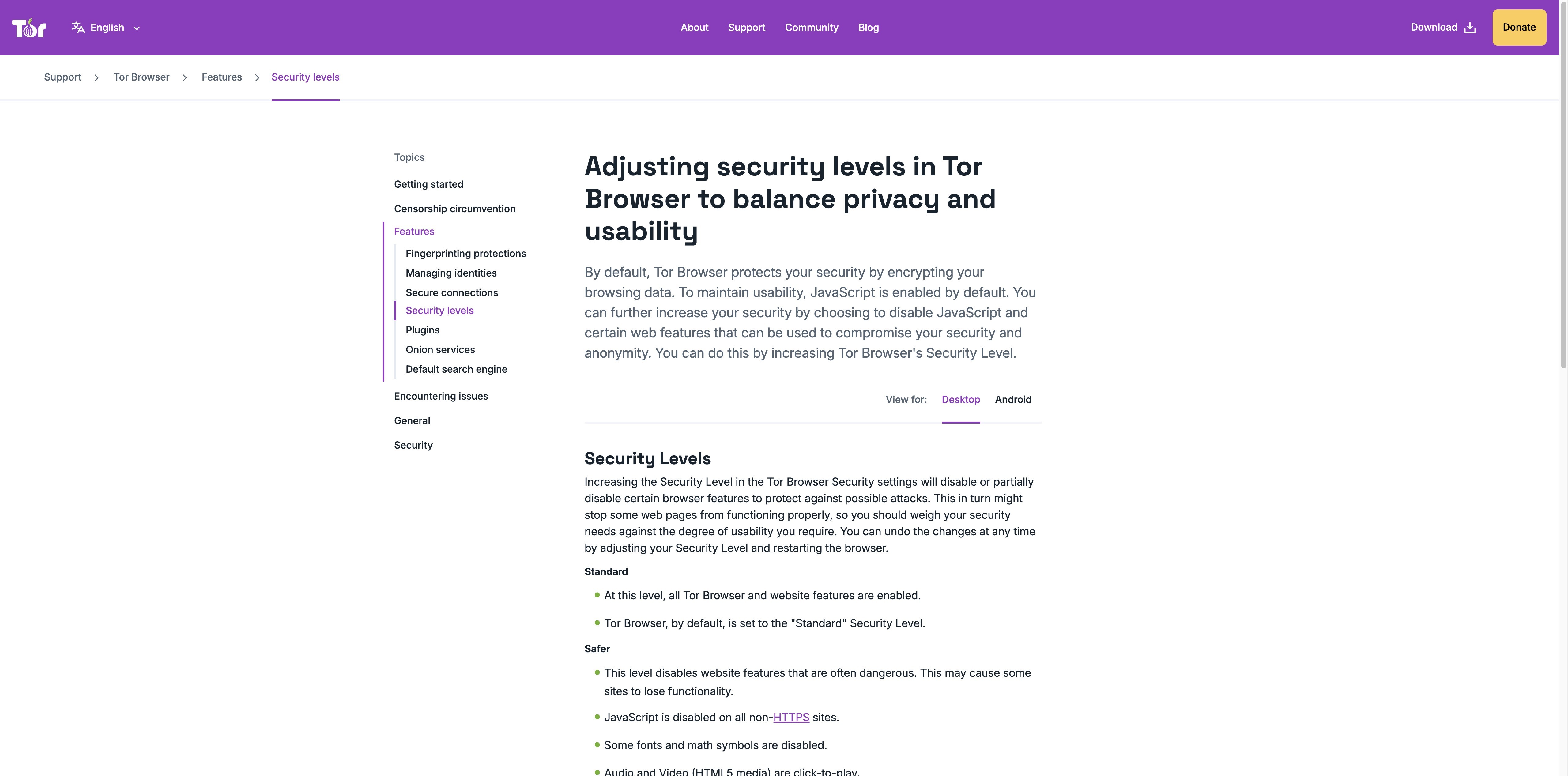
Tor Browser

Anonymity

Routes traffic through onion layers for maximum privacy.

DuckDuckGo Browser

Simple privacy

Private search and browsing without the learning curve.

Mullvad Browser

Hardened

A privacy-hardened browser from the makers of Mullvad VPN.

Firefox Focus

Mobile privacy

Automatic ad and tracker blocking for phones.

AI-native browsers

The new category that does more than browse

Tabbit

Editor pick · AI-native

Agent mode, deep research and top AI models — free on macOS and Windows.

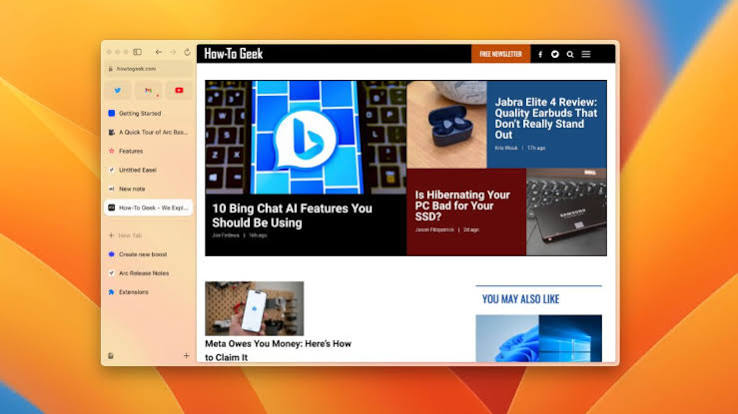
Arc

Workspaces

Redesigned browser with workspaces and Arc Max AI features.

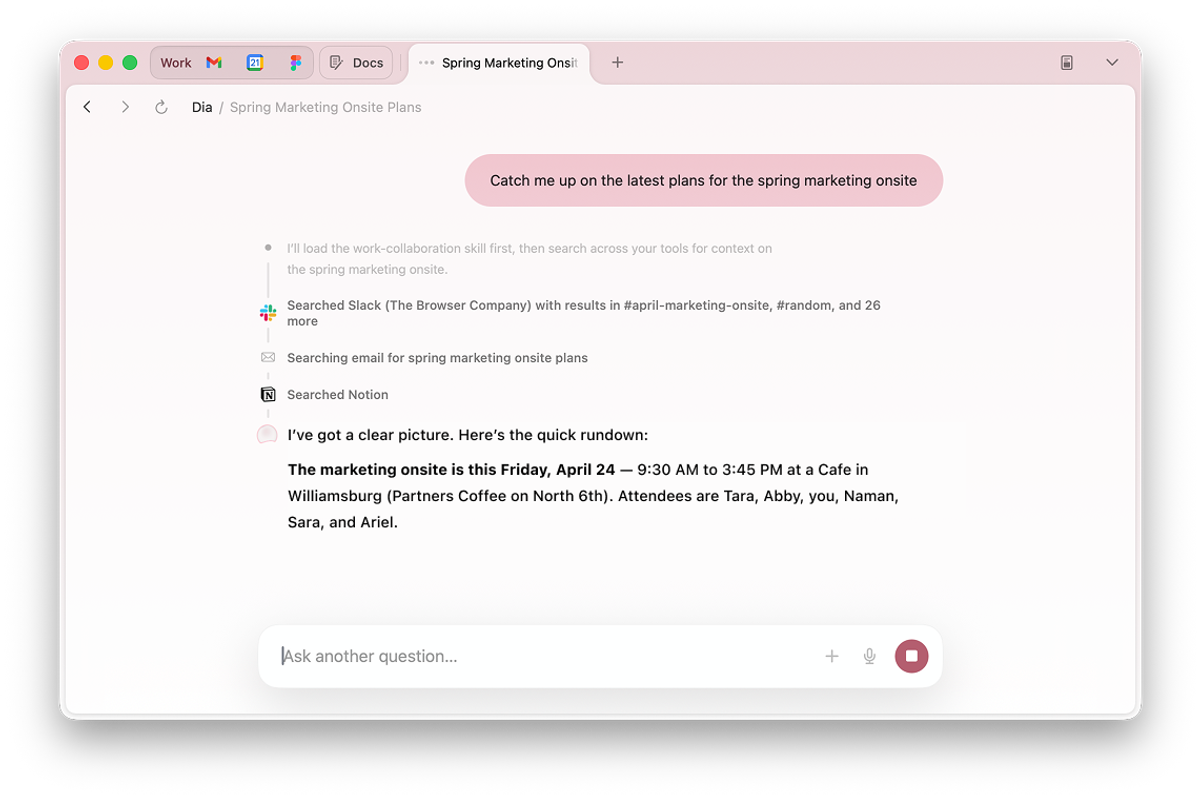
Dia

AI assistant

A research-focused AI browser with automation and summaries.

Opera One

Aria AI

Opera’s AI assistant Aria is built into the browser.

SigmaOS

AI workspaces

AI-powered workspace browser for Mac power users.

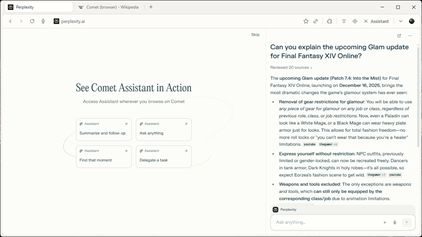
Comet

AI companion

An AI companion that follows you across the web.

Built-in OS browsers

The browsers that ship with your devices

Microsoft Edge

Windows

Pre-installed and deeply integrated with Windows 11.

Apple Safari

macOS & iOS

The default experience across the Apple ecosystem.

Samsung Internet

Galaxy

Default on Samsung Galaxy devices, with strong video tools.

Android WebView

Embedded

The invisible browser that powers web content inside apps.

Niche & legacy browsers

Specialists and classics that still matter

Vivaldi

Power users

Deep customization and tab management for tinkerers.

Pale Moon

Lightweight

A lightweight Firefox fork with a classic feel.

Lynx

Text-based

A terminal browser that renders pages as text.

Internet Explorer

Legacy

Retired by Microsoft but still part of browser history.

Netscape

Pioneer

The 90s pioneer that made the web mainstream.

Side by side

The top browsers, compared

All of these are free and capable. The table highlights where they actually differ: engine, AI, privacy and the platform they fit best.

BrowserEnginePlatformsAI & automationPrivacyBest forPrice
TabbitChromium + AI layermacOS, WindowsAgent mode + top modelsTracker blockingAI-powered workFree
Google ChromeBlinkAll majorGemini sidebarBasicFamiliar defaultFree
Microsoft EdgeBlinkWindows, macOSCopilot sidebarModerateWindows usersFree
Apple SafariWebKitmacOS, iOSApple IntelligenceStrongApple ecosystemFree
Mozilla FirefoxGeckoAll majorOptional AI toolsStrongOpen-source fansFree
BraveBlinkAll majorLeo assistantVery strongAd-free browsingFree
OperaBlinkAll majorAria assistantModerateFeature loversFree
ArcBlinkmacOS, WindowsArc MaxModerateWorkspace browsingFree
Tor BrowserGecko (hardened)All majorMaximumAnonymityFree
Decision guide

How to choose your browser in 2026

Every browser loads pages well. The real differences are the engine ecosystem, privacy, AI, performance and how well it follows you across devices.

01

Engine & extensions

Chromium gives you the largest extension store and best site compatibility; Firefox and Safari still have loyal, high-quality ecosystems.

02

Privacy & security

Brave, Firefox, Tor and DuckDuckGo block trackers and put you in control. If privacy is the priority, pick one of these.

03

AI & automation

AI-native browsers like Tabbit summarize pages, run agents and research for you. This is the fastest-moving difference in 2026.

04

Performance & memory

Chrome, Edge and Brave are fast on modern hardware. Brave often feels lighter because it blocks ads before they load.

05

Platform & sync

Stay on Safari for Apple devices, Edge for Windows, and Tabbit for a browser that syncs context and AI across desktop.

The new category

The rise of AI-native browsers

In 2026 the biggest change is not another engine — it is browsers that read, reason and act for you. Tabbit is the AI-native browser that turns browsing into a workbench.

Tabbit browser open on a blog article with the AI sidebar summarizing key points and the conclusion on the right
01

Chat with any page

Open any article or document and the AI sidebar turns it into key points, conclusions and next steps — no copying, no tab hopping.

Tabbit agent mode executing a task in Google Sheets, with the instruction and execution steps in the sidebar
02

Agent mode does the heavy lifting

Tell the agent what you need in plain language — fill the form, clean the sheet, generate the report — and it clicks, types and finishes in a separate tab group while you keep working.

Tabbit deep research report page with research tasks and web sources compiled into a structured report
03

Deep research in minutes

Ask a hard question and Tabbit searches, reads and cross-references the web, then delivers a structured report with sources.

Every other AI browser is catching up to this. Tabbit ships it free, with leading models and no paywall.

Switch in 60 seconds

Move from Chrome or Edge to Tabbit

Keep your bookmarks, passwords, history and settings. Switching to Tabbit takes about a minute.

1

Download Tabbit

Grab the free installer for macOS or Windows and open it.

2

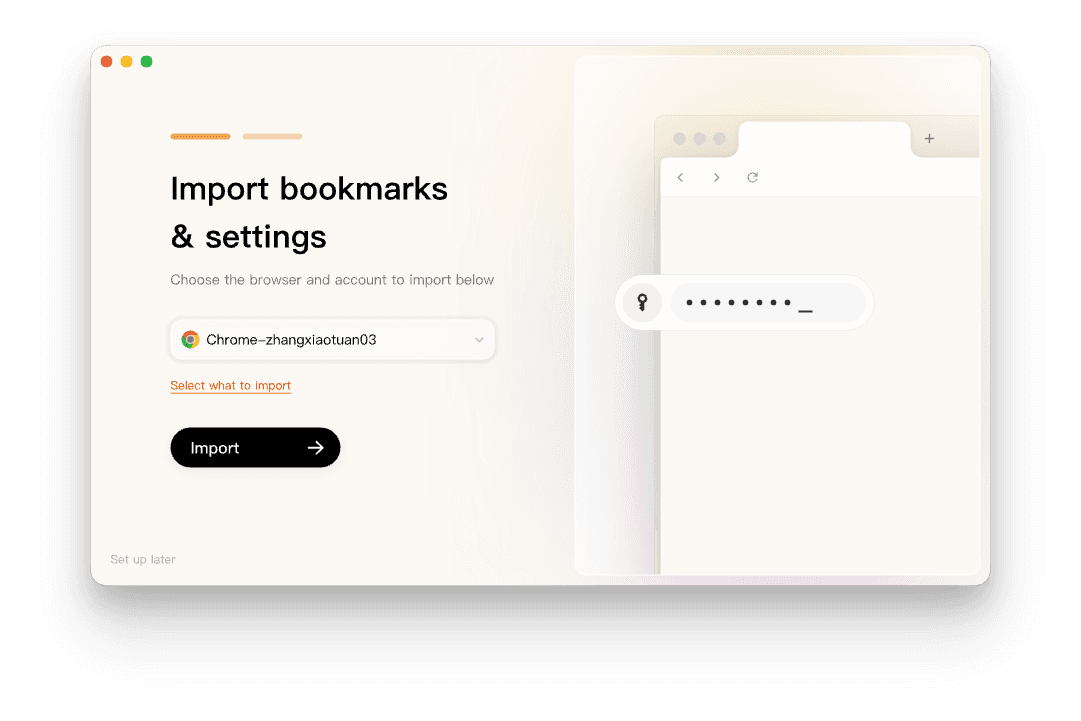
Import everything

One click brings your bookmarks, passwords, history and cookies from Chrome, Edge and others.

3

Sign in and sync

Your tabs, workspaces and AI context stay in sync across devices.

4

Ask Tabbit to do the work

Summarize a page, automate a task or research a topic straight from the address bar.

Tabbit import screen showing bookmarks and settings being imported from Chrome with an import button
FAQ

All browsers — your questions, answered

There are dozens of actively maintained browsers. Most share one of three engines: Chromium, WebKit or Gecko. The practical shortlist for most people is Chrome, Edge, Safari, Firefox, Brave and the new AI-native browsers like Tabbit.

Get the browser that finishes your work

Tabbit is the AI-native browser for macOS and Windows. Free, with leading models and no paywall.

© 2026 Tabbit Browser. The AI-native browser that understands your context.

Related