Siloed context
Most extensions only see the current page or a snippet you select. They can’t connect what you’re reading now with what you opened in other tabs.
Stop stacking extensions. Tabbit puts AI natively in the browser — summarize any page, command an AI agent, and research across tabs, all in one free app for Mac & Windows.

AI Chrome Extension Alternative
Built in
No extension installs or conflicts
Real context
AI sees the whole tab, not just a snippet
Agent execution
Fill forms, gather data, do the work
Free
No paywall, no invite code
AI Chrome extensions promise a smarter browser. But because they live on top of Chrome, they inherit its limits — and add a few of their own.
Most extensions only see the current page or a snippet you select. They can’t connect what you’re reading now with what you opened in other tabs.
Free tiers run out fast, and full features often need yet another monthly subscription on top of the models they wrap.
Every extension asks for broad permissions and eats memory. Install five “helpful” extensions and Chrome slows down.
Most extensions are chat boxes. They answer questions, but they can’t fill a form, move across pages, or finish a task for you.
The question isn’t which AI extension is best — it’s whether an extension can ever match a browser designed for AI from the ground up.
| Compare | Typical AI Chrome extension | Tabbit Browser |
|---|---|---|
| AI access | Sidebar or popup on one page | Native AI in every tab and the omnibox |
| Context | Current page or selected text only | Whole tab group, bookmarks, and local files via @ |
| Automation | Chat and simple actions | AI agent fills forms, gathers data, moves across pages |
| Research | Summarize a single article | Deep research across dozens of pages into a report |
| Models | Usually locked to one model | Top models: GPT, Claude, Gemini and more |
| Privacy | Every page read by a third-party add-on | AI built into the browser’s own trust boundary |
| Setup | Install, configure, repeat per tool | Download once, import Chrome in one click |
| Price | Free tier plus paid plans | Free, no invite code |

No installs, no conflicts, no missing context. These are the AI powers Tabbit ships out of the box.

Open any article and the AI sidebar distills key points, answers questions, and references exactly what you’re reading — no copying text into a chat window.

Tell Tabbit what to do in plain language: fill a form, collect data, walk through a workflow. The agent runs in a separate tab group while you keep working.

Ask a deep research question and Tabbit reads, filters, and synthesizes dozens of pages into a structured report — the kind of task extensions can’t begin.
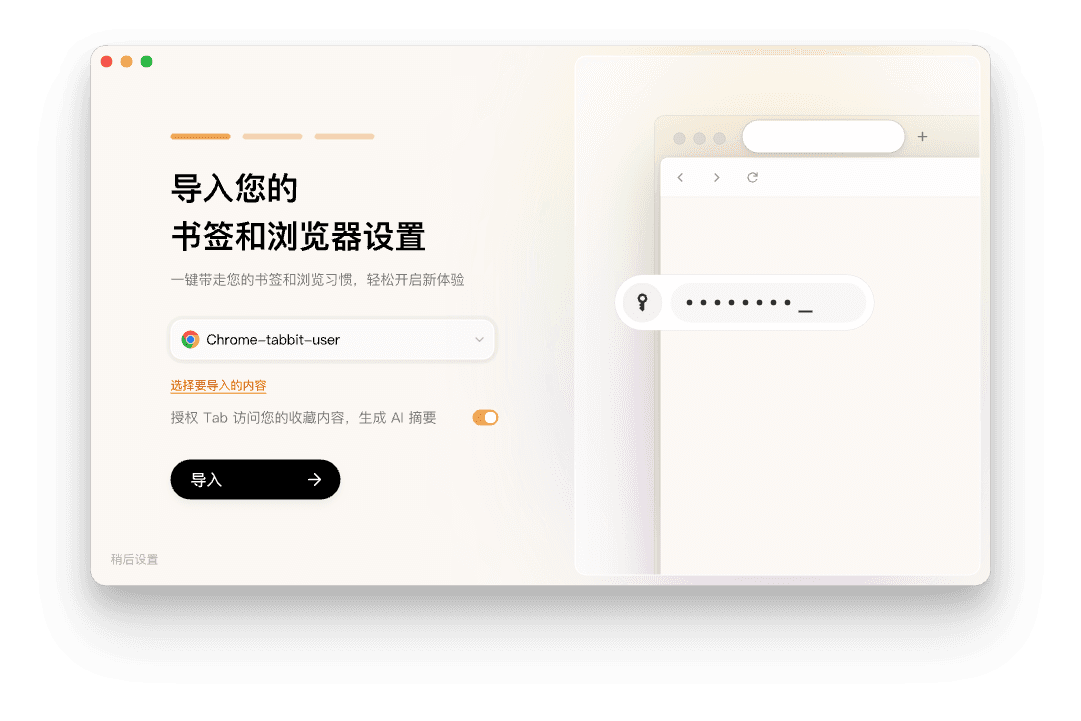
Tabbit imports your Chrome bookmarks, passwords, history, and settings in one click. Keep your workflow — and drop the stack of extensions.
Free for macOS and Windows. No invite code needed.
Bring over bookmarks, passwords, history, and extensions in one click.
Summarize, command, and research right from the omnibox and sidebar.
Popular picks include ChatGPT for Google, Merlin, Sider, MaxAI.me, and Monica. They all add an AI sidebar or popup to Chrome. The catch: they run on top of Chrome, so context stays limited and free tiers come with quotas. If you want AI that is truly part of the browser — with full page context and agent execution — try Tabbit, which builds these features in.
Download Tabbit free for Mac & Windows. Import your Chrome bookmarks and passwords in one click, and get AI that’s truly built into the browser.
